By continuing, you agree to LoansJagat's Credit Report Terms of Use, Terms and Conditions, Privacy Policy, and authorize contact via Call, SMS, Email, or WhatsApp
Disclaimer: The information published on LoansJagat is intended for general informational and educational purposes only and should not be considered financial, legal, or investment advice. Interest rates, loan terms, statistics, and other data may change over time and may vary by lender or source. Please verify the latest information and consult a qualified financial advisor or the respective Bank/NBFC before making any financial decisions.
Apply for Loans Fast and Hassle-Free
Subscribe Now
About the author

‘Simplify Finance for Everyone.’ This is the common goal of our team, as we try to explain any topic with relatable examples. From personal to business finance, managing EMIs to becoming debt-free, we do extensive research on each and every parameter, so you don’t have to. Scroll up and have a look at what 15+ years of experience in the BFSI sector looks like.
Related Blog Post
Simplify All Your Loans Into One Affordable EMI

Customers Served

Debt Consolidated

1200+ Reviews

Locations in India
Club all Loans & Credit Card Bills into Single EMI

Quick Apply Loan
Consolidate your debts into one easy EMI.

Takes less than 2 minutes. No paperwork.

10 Lakhs+
Trusted Customers

2000 Cr+
Loans Disbursed

4.7/5
Google Reviews

50+
Banks & NBFCs Offers
Other services mentioned in this article
Imagine if updating your Aadhar photo costs ₹118 and you have to do it once every 8 years; over 40 years, that adds up to ₹590 just to keep your ID looking fresh. That is almost the price of 12 cups of chai!
Take Ravi from Jaipur, who decided to stop hiding behind his blurry Aadhar photo and spent that small amount once to upgrade his identity with confidence.
Suppose you are curious about how to change a photo in an Aadhaar card online. In that case, this blog will guide you through the easy steps, provide real examples, and offer all the official information you need to make the process happen smoothly. Let’s get that perfect Aadhar photo ready without the drama!
In India, over 1.3 billion citizens have an Aadhaar card. If just 10 % of these want to change their photo, that is 130 million people. Imagine that.
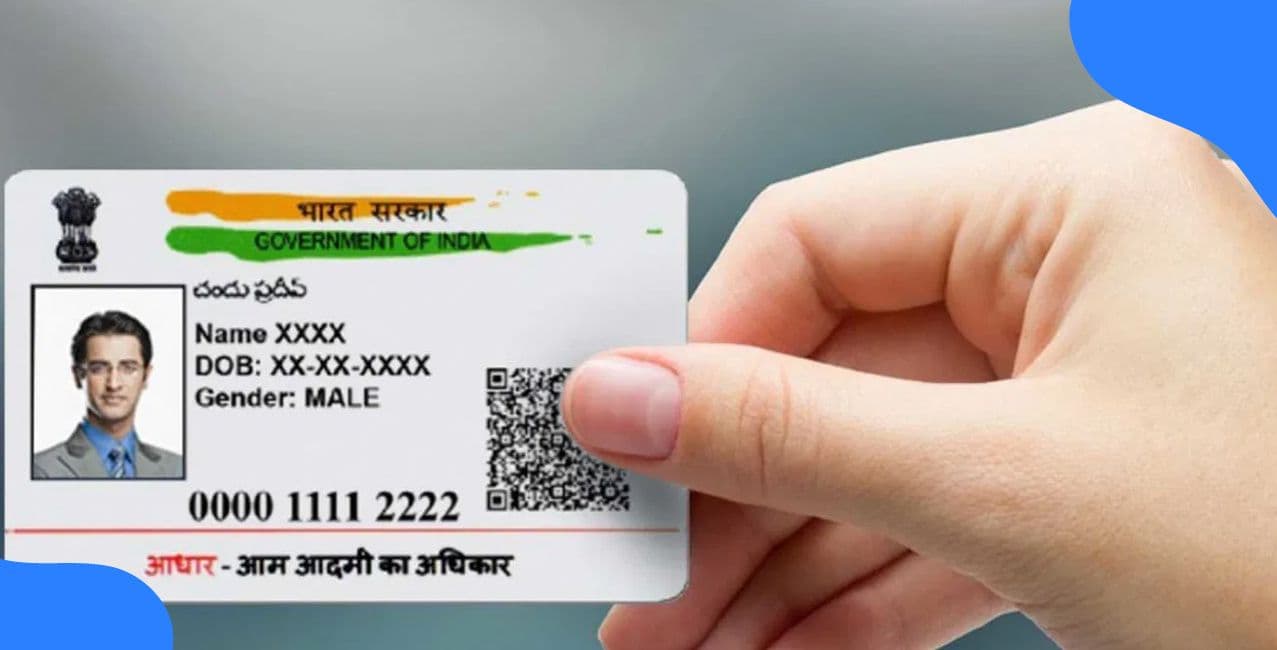
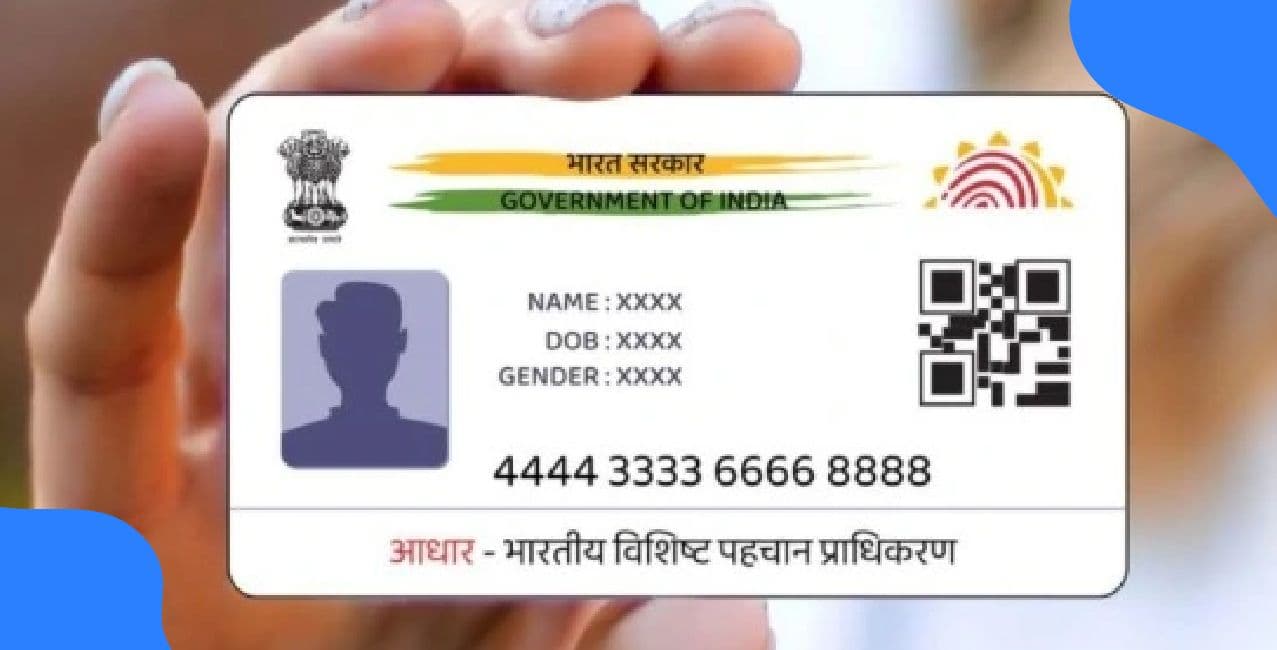
Changing your Aadhaar card photograph is essential for identity verification. Whether it is for a passport, a job, or a bank account, your Aadhar card is widely used. A mismatched or unclear photograph can cause problems.
The process might appear long, but understanding how to change a photo in Aadhaar card online will make your life much easier.
Here comes the twist. While some updates can be made entirely online, updating your photograph still requires a slight physical visit. However, the initiation and booking part can be done online. This guide shows you how to change the photo in an Aadhaar card online by combining digital steps and a single offline action.
Let us break this myth: you cannot directly upload your photo from your home. You have to visit an authorised centre for biometric authentication and a photo capture.
Let us now dive into the exact steps needed to carry out the update. Remember, although photo capture is offline, most steps are online.
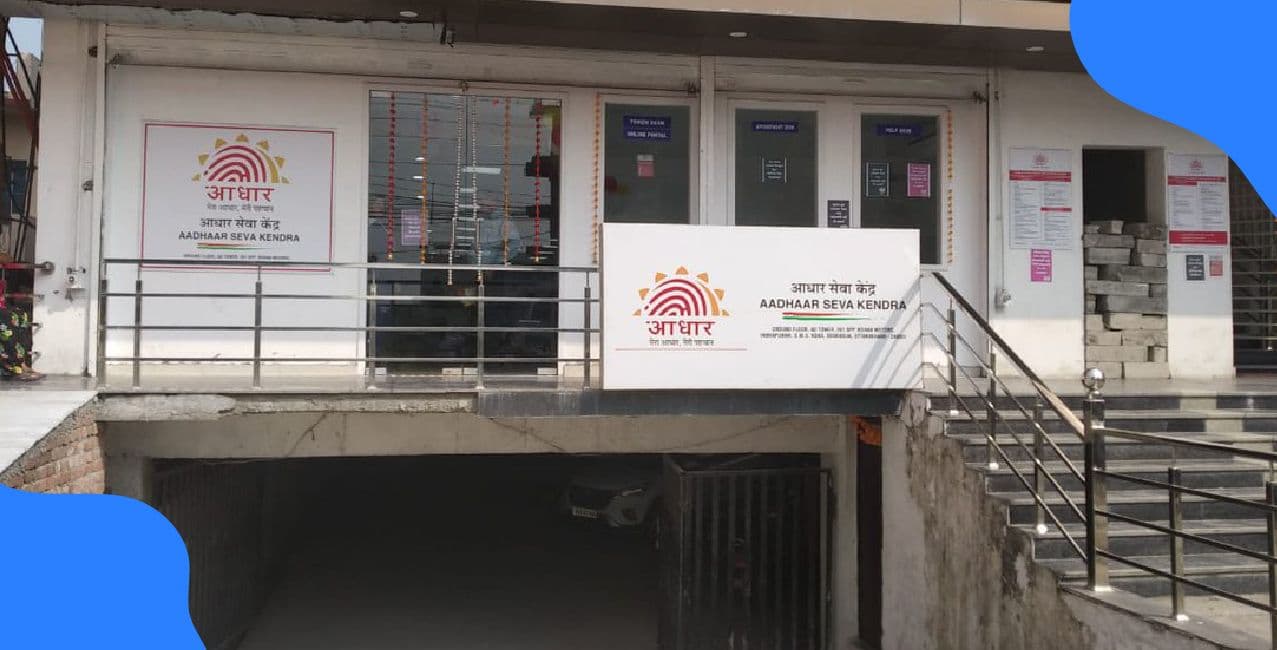
Step 1: Locate the Nearest Aadhaar Seva Kendra Online
Go to the official UIDAI website. Click on “My Aadhaar” tab. Then choose “Locate an Enrolment Centre.”
Enter your postal code or state name. You will get a list of nearby centres. Choose the one that suits you.
Visit the Aadhaar Seva Kendra appointment portal.
Fill in your details including your Aadhar number, mobile number, and captcha.
Choose your location, date, and time for the appointment. The system will give you a confirmation.
Numerical Tip:
Assume 50,000 people book per day. Booking early gives you a better time slot.
Out of 50,000, only 5,000 get morning slots. Your chances are just 10 %, so act fast!
Carry your original Aadhar card and the appointment slip. No need to bring new photographs.
The photo will be clicked digitally at the centre using official equipment.
A fee of ₹100 plus GST (18 %) will be charged.
Quick Math:
₹100 + 18 % of ₹100 = ₹18
Total amount: ₹118
Once your photo is taken, the operator will provide an acknowledgement slip. This contains your Update Request Number.
You can track the status using this number via Check Aadhaar Update Status.
Updates typically take five to ten working days to be reflected. Sometimes it may take up to ninety days, depending on the workload.
Pooja booked her slot on Monday and visited the Rohini centre on Thursday. Her total cost was ₹118.
*T&C Apply
In just seven days, her new photo was updated. She used it for her visa application, which went smoothly after years of rejection due to unclear ID proof.
Yes, you can. But avoid overdoing it. There is no official limit, but repeated requests may be flagged for security reasons.
One photo update every three to five years is reasonable. If you change appearance drastically, like in weight loss or after surgery, an update is necessary.
Satish once wore a printed tee with a funny slogan to his appointment. His photo came out with the print visible.
Later, he was asked to redo it as the print was causing issues with official verification software. Lesson learnt the hard way.
Photo Pe Tashan Lao – Verification Mein Swag Dikhao!
What If You Miss the Appointment?
If you miss your appointment, do not panic. Just re-book on the same UIDAI Appointment Portal.
You can reschedule as many times as needed. But remember that frequent no-shows may affect your future bookings.
The next time someone asks why your Aadhar photo looks like a horror movie still, you can smile and say, “That was before the glow-up.”
Be like Rajesh, Pooja, and Satish – take control of your photo and identity. Knowing how to change photo in Aadhar card online puts the power back in your hands. So go ahead, click that appointment link and change your future one photo at a time.
Because identity bhi stylish honi chahiye, boss!
1. Can I upload my new photo online without visiting the centre?
No, changing the photograph in the Aadhar card requires a visit to the authorised Aadhaar Seva Kendra for biometric verification and photo capture.
2. How much does it cost to update the photo in the Aadhar card?
The fee for updating the photo is ₹100 plus 18 percent Goods and Services Tax, totalling ₹118 per update.
3. How long does it take to update the new photo in the Aadhar database?
The update usually reflects within five to ten working days but can take up to ninety days in some cases.
4. Can children update their Aadhar photo?
Yes, children’s photos can be updated, especially for those below five years, as biometric details get updated regularly during enrolment and update processes.