PNB RTGS Form: Complete Guide to Fill & Submit
Check Your Loan Eligibility Now
By continuing, you agree to LoansJagat's Credit Report Terms of Use, Terms and Conditions, Privacy Policy, and authorize contact via Call, SMS, Email, or WhatsApp
Key Takeaways
- The PNB RTGS form allows safe and instant fund transfers of ₹2,00,000 and above between banks through both online and offline modes.
- Customers can easily download, carry out PNB RTGS form fill, and submit the PNB RTGS form. They can do so using accurate sender and beneficiary details for smooth processing.
- With 24×7 online access, nominal charges, and flexible branch timings, PNB ensures convenient and secure high-value transactions.
- PNB RTGS enables secure real-time transfers of ₹2,00,000 and above, available 24×7 online and during working hours at branches.
- Customers can download, fill, and submit the PNB RTGS form using accurate sender, beneficiary, cheque, and IFSC details for instant processing.
- PNB charges ₹24-₹49 plus GST for RTGS, with online transfers slightly cheaper than branch-based transactions.
Bonus Point: RBI has suggested adding a feature in RTGS and NEFT that lets you check the beneficiary’s name before sending money. This will reduce mistakes, as many people accidentally transfer funds to the wrong account. It helps make transactions safer and clearer.
Handling a large payment can feel confusing, especially when you want the money to reach safely without delays. The Punjab National Bank RTGS form makes this process easy and stress-free for anyone sending high-value amounts.
The PNB RTGS form is a secure document used to transfer large sums electronically in real time. It collects key details like the sender’s and receiver’s names, account numbers, bank names, and IFSC codes, working like a fast digital gateway that moves your money directly without waiting.
Read More – Union Bank RTGS Form: Complete Guide to Fill & Submit
Last month, I had to send ₹2,50,000 urgently for a property token amount, and using the PNB RTGS form helped me complete the transfer smoothly. I filled in the details, submitted it at the branch, and the amount reached the beneficiary within minutes, without any confusion or follow-up.
Now that you know how the form works, let’s see how it helps make high-value transfers simple and reliable.
How To Download The PNB RTGS Form?
If you wish to make a high-value fund transfer through Punjab National Bank, you can easily download the PNB RTGS form online. The process of PNB RTGS form download is simple and can be completed in just a few steps.
Steps to Download the PNB RTGS Form
- Go to the official PNB website: Visit the Punjab National Bank website.
- Find the forms section: Click on the “Download Forms” option available in the top menu.
- Locate the RTGS form: Look for the RTGS form in the list of downloadable documents and click on the PNB RTGS Form PDF link to download it.
Once downloaded, you can print the form, fill in the required details. The required details are beneficiary information, amount, and IFSC code, and submit it at your nearest PNB branch to complete the transaction.
How To Fill The PNB RTGS Form?
Do you want to transfer funds through the Punjab National Bank RTGS service? You need to carry out the PNB RTGS form fill process carefully with all the required details. Here’s a simple step-by-step guide to help you complete it correctly.
Steps to Fill the PNB RTGS Form
Step 1: Get the form
Obtain the RTGS form from your nearest PNB branch or download the PNB RTGS Form PDF from the official Punjab National Bank website. Keep your cheque leaf ready, as you’ll need its details while filling out the form.
Step 2: Fill in the general details
- Date: Mention the date of the transaction.
- Amount: Write the transfer amount in both figures and words.
- Mode of Transfer: Select RTGS and strike out any other options like NEFT.
Step 3: Fill in the beneficiary’s details
- Beneficiary Name: Enter the full name of the person or company receiving the funds.
- Beneficiary Account Number: Provide the beneficiary’s correct account number.
- Bank and Branch Name: Mention the beneficiary’s bank and specific branch.
- IFSC Code: Enter the valid IFSC code of the beneficiary’s branch.
Step 4: Fill in your (sender’s) details
- Your Name: Write your full name as per your account.
- Account Number: Enter your PNB account number.
- Address and Contact: Fill in your complete address and phone number.
- Signature: Sign in the designated space to authorise the transfer.
Step 5: Fill in cheque details
- Cheque Number: Enter the serial number from your cheque.
- Cheque Date: Mention the date written on the cheque.
Step 6: Complete the customer copy
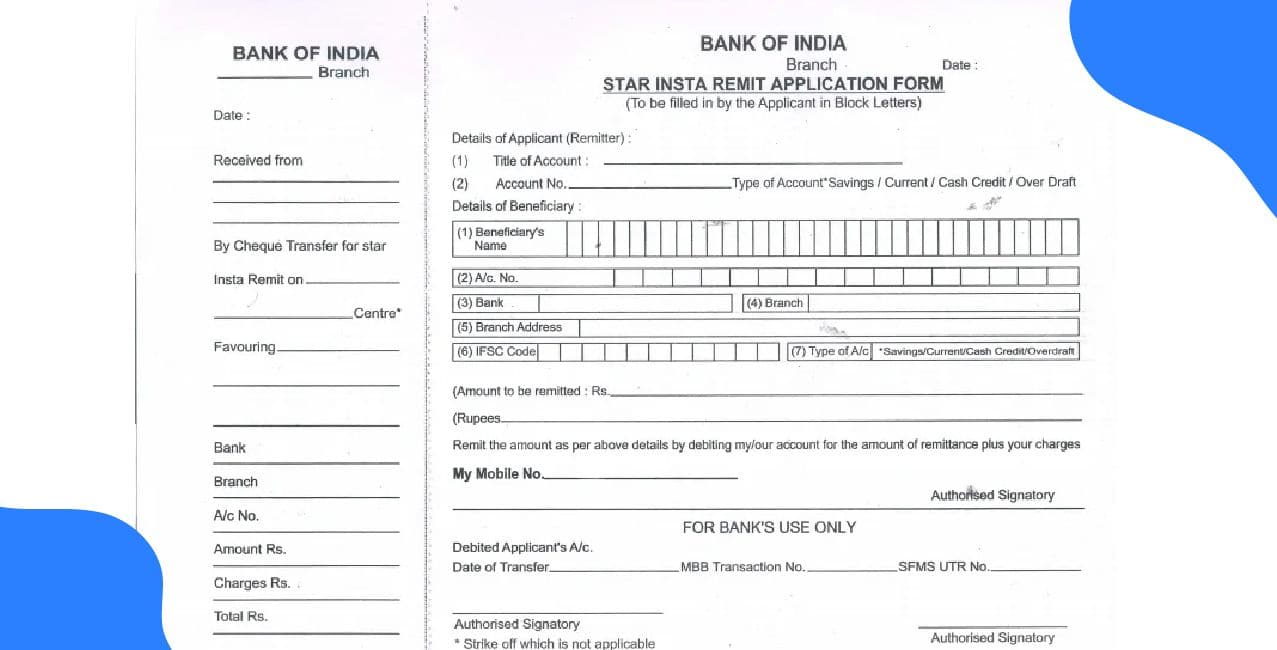
Fill out all required fields on both the customer copy (left side) and bank copy (right side). The customer copy will be returned to you after the transaction is processed.
Step 7: Submit the form
Submit the completed form along with the cheque to the bank teller or service desk at your nearest PNB branch. Carry a valid ID proof for verification if required.
Once submitted, the bank will process your RTGS request, and the funds will be transferred securely and instantly to the beneficiary’s account.
Required Documents For PNB RTGS Form
Before filling out the PNB RTGS form, it’s important to have all the necessary documents and information ready. This ensures a smooth and error-free fund transfer process.
Documents and Information Required for PNB RTGS
From You (the Remitter)
- PNB Cheque: A cheque leaf from your Punjab National Bank account.
- Account Details: Your PNB account number and full name as per bank records.
- Identification: Any valid ID proof, such as your PAN card or Aadhaar card, if requested by the bank.
For the Beneficiary
- Name: The full name of the person or organisation receiving the funds.
- Account Number: The beneficiary’s correct bank account number.
- Bank and Branch: The name and branch of the beneficiary’s bank.
- IFSC Code: The IFSC (Indian Financial System Code) of the beneficiary’s branch.
Keep these details ready in advance. It helps you fill out the PNB RTGS form quickly and ensures your transaction is processed without any delay or error.
PNB RTGS Charges
Punjab National Bank (PNB) applies nominal charges for RTGS transactions, depending on the transfer amount and the mode of transaction—online or branch-based. Here are the applicable charges in detail.
PNB RTGS Charges
These RTGS charges by PNB ensure cost-effective fund transfers for customers. Online transactions are slightly cheaper than branch-based transfers, encouraging customers to use digital banking for convenience and savings.
PNB RTGS Timings
Punjab National Bank (PNB) offers RTGS services both online and at its branches, ensuring flexibility and convenience for customers making high-value fund transfers. Below are the detailed timings for each mode of transaction.
PNB RTGS Timings
With 24×7 online availability and flexible branch timings, PNB ensures that customers can perform RTGS transactions securely and conveniently at their preferred time.
Conclusion
The PNB RTGS form makes transferring large amounts easy, safe, and quick for every customer. With both online and branch options available, it fits everyone’s convenience.
Also Read – Indian Bank RTGS Form: Complete Guide to Fill & Submit
PNB’s transparent charges and all-day online service ensure smooth transactions anytime. Whether for business or personal use, RTGS remains one of the most trusted methods for real-time, high-value fund transfers in India.
FAQs
What is the minimum amount required for a PNB RTGS transaction?
The minimum amount for an RTGS transaction in PNB is ₹2,00,000.
Can I download the PNB RTGS form online?
Yes, you can easily download the PNB RTGS form from the official Punjab National Bank website.
Are PNB RTGS transactions available 24×7?
Yes, RTGS transactions through PNB’s online and mobile banking are available 24 hours a day, 7 days a week.
What are the RTGS charges for transactions above ₹5,00,000 in PNB?
PNB charges ₹49.00 + GST online and ₹49.50 + GST at branches for transactions above ₹5,00,000.
Do I need to provide ID proof for RTGS at a PNB branch?
Yes, valid identification like an Aadhaar or PAN card may be required for verification at the branch.
In India, if you’re part of an OTP-based e-KYC bank account, is there a limit on how much money can be credited in a year?
Yes, for accounts opened using only OTP-based e-KYC, the aggregate credits in all your deposit accounts in a financial year cannot exceed ₹2 lakh, otherwise the account may cease operations until full KYC is completed.
Can banks like Punjab National Bank (PNB) temporarily block or put a hold on transactions for security or compliance reasons?
Yes, banks including PNB may temporarily block or hold transactions if there’s a suspected fraud, AML/KYC mismatch, or unusual activity, and you can usually resolve it quickly by verifying your identity with the bank’s customer care or branch.
Can you use RTGS from India to Nepal to send money directly to a Nepalese bank (e.g., Everest Bank)?
Yes, under the Indo-Nepal Remittance Facility Scheme, Indian banks (including Punjab National Bank) allow outward remittances using systems like RTGS/NEFT from internet banking or branches to credit a beneficiary’s account in Nepal (e.g., Everest Bank), with settlement in Nepalese rupees.
Which is the fastest and most suitable fund-transfer method among NEFT, RTGS, and IMPS?
IMPS is the fastest as it works 24×7 with instant credit, RTGS is ideal for high-value transfers (₹2,00,000 and above) with real-time settlement, while NEFT is best for regular transfers processed in half-hourly batches.

About the author

LoansJagat Team
Contributor‘Simplify Finance for Everyone.’ This is the common goal of our team, as we try to explain any topic with relatable examples. From personal to business finance, managing EMIs to becoming debt-free, we do extensive research on each and every parameter, so you don’t have to. Scroll up and have a look at what 15+ years of experience in the BFSI sector looks like.
Subscribe Now
Related Blog Post








India's #1 Loan Consolidation Platform
Simplify All Your Loans Into One Affordable EMI

10 Lac
Customers Served

₹2000 Cr+
Debt Consolidated

4.7★
1200+ Reviews

10,000+
Locations in India
Club all Loans & Credit Card Bills into Single EMI

Quick Apply Loan
Consolidate your debts into one easy EMI.

Takes less than 2 minutes. No paperwork.

10 Lakhs+
Trusted Customers

2000 Cr+
Loans Disbursed

4.7/5
Google Reviews

20+
Banks & NBFCs Offers
Other services mentioned in this article


