.png&w=3840&q=65)
By continuing, you agree to LoansJagat's Credit Report Terms of Use, Terms and Conditions, Privacy Policy, and authorize contact via Call, SMS, Email, or WhatsApp
Disclaimer: The information published on LoansJagat is intended for general informational and educational purposes only and should not be considered financial, legal, or investment advice. Interest rates, loan terms, statistics, and other data may change over time and may vary by lender or source. Please verify the latest information and consult a qualified financial advisor or the respective Bank/NBFC before making any financial decisions.
Apply for Loans Fast and Hassle-Free
Subscribe Now
About the author

LoansJagat Team
‘Simplify Finance for Everyone.’ This is the common goal of our team, as we try to explain any topic with relatable examples. From personal to business finance, managing EMIs to becoming debt-free, we do extensive research on each and every parameter, so you don’t have to. Scroll up and have a look at what 15+ years of experience in the BFSI sector looks like.
Simplify All Your Loans Into One Affordable EMI

Customers Served

Debt Consolidated

1200+ Reviews

Locations in India
Club all Loans & Credit Card Bills into Single EMI

Quick Apply Loan
Consolidate your debts into one easy EMI.

Takes less than 2 minutes. No paperwork.

10 Lakhs+
Trusted Customers

2000 Cr+
Loans Disbursed

4.7/5
Google Reviews

50+
Banks & NBFCs Offers
Other services mentioned in this article
Key takeaways:
Bonus Tip: Do you know? Green PIN service is designed for instant PIN generation. It is available as a debit card through an ATM with a one time password which is sent to your registered mobile number.
After my first job in Delhi, I wanted to manage my finances and for that I selected Bank of India because of its extensive network. When my debit card arrived a week later, I went to the nearest ATM to generate my PIN so that I could use my debit card.
I successfully created my 4 digit ATM PIN at the ATM by selecting the “Forgot/Create PIN(Green PIN)” option. Then, I received an OTP on my registered contact number and entered that OTP. By performing the easy steps, I was easily able to generate my ATM PIN.
The Bank of India offers you several ways to create or reset your ATM PINs. Below are some of the easy ways:
You can easily generate your ATM PIN directly at any Bank of India ATM by using the “Green PIN” service that Bank of India offers by following steps:
The screen will display a message confirming that your PIN has been successfully generated or changed.
It is important to note that the Green PIN can only be generated on ATMs of the Bank of India. There is no other way like sms banking or through your mobile.
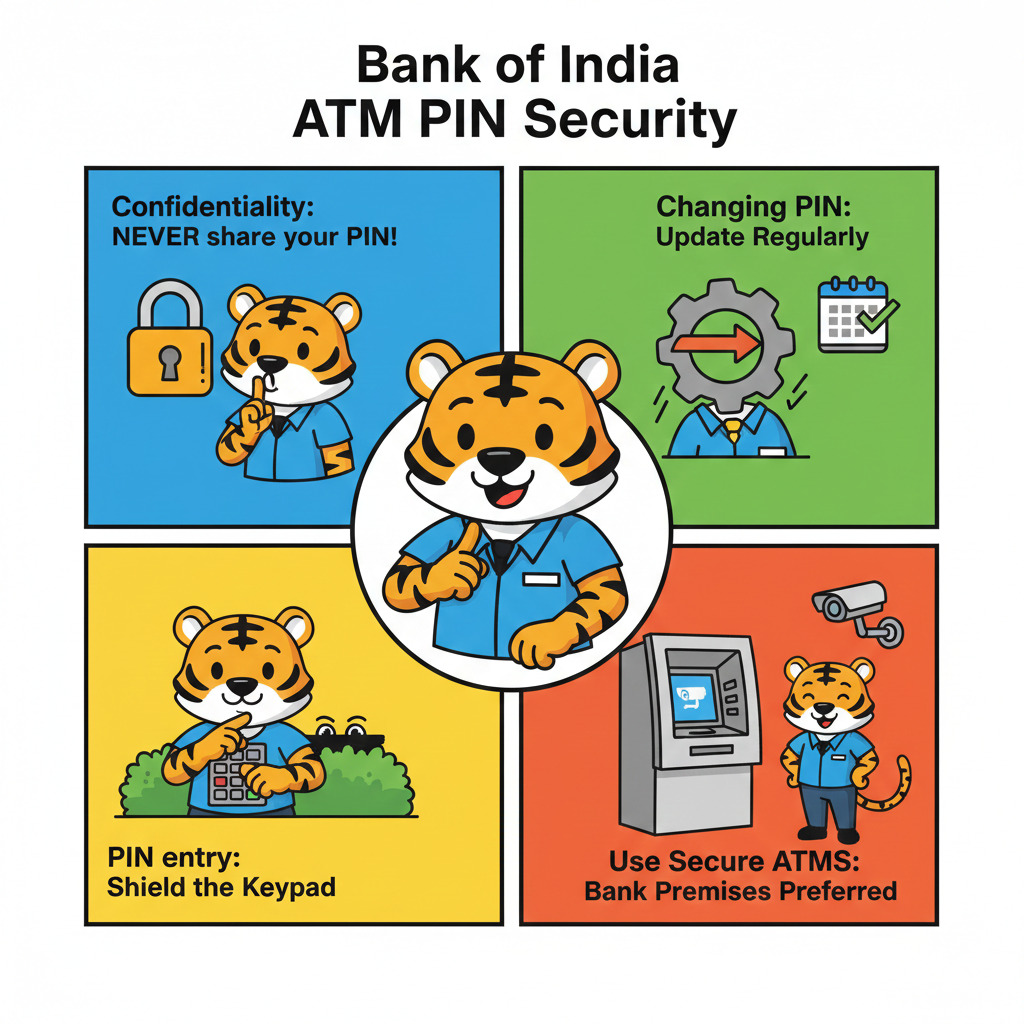
To protect your bank details and assets, you have to make sure that your Bank of India (BOI) ATM Personal Identification Number (PIN) is secure. Below are the few crucial points for efficient ATM PIN management:
*T&C Apply
Educate yourself on safe banking practices to enhance your financial security by following the above pointers.
It is easy to generate your Bank of India ATM PIN by using the above way. You can use the Bank of India ATM to generate the Green PIN to keep your details and assets secure. In the same way, you can generate the Central Bank of India ATM PIN by using the Green PIN services.
What details do I need to set my ATM PIN?
To set your ATM PIN, you need your account number, debit card number and registered mobile number on which you will get the OTP.
How can I generate a PIN for my Central Bank of India ATM card using an ATM machine?
To create your ATM PIN, visit the nearest ATM machine of the Central Bank of India. Insert your card in the machine and remove it. Enter the OTP received on your registered mobile number to successfully generate the ATM PIN.
How can I change my Bank of India ATM PIN if I forgot the old one?
You can visit the nearest ATM machine of the Bank of India. Insert your card in the ATM machine and choose option “forgot PIN”. Enter the OTP received on your registered phone number to successfully change your ATM PIN.
Can I change my ATM PIN online?
Yes, you can use the mobile banking app to change your ATM PIN online.
I have not used an ATM machine in so long and I can not remember my PIN. Can I change the same?
Yes, you can change your ATM PIN by visiting the nearest bank ATM machine.




