Check AI Loan Optimisation Plans to Reduce Your EMI

Disclaimer: The information published on LoansJagat is intended for general informational and educational purposes only and should not be considered financial, legal, or investment advice. Interest rates, loan terms, statistics, and other data may change over time and may vary by lender or source. Please verify the latest information and consult a qualified financial advisor or the respective Bank/NBFC before making any financial decisions.
Subscribe Now
About the author

Anishka Bhadly is a content writer with a finance and business background. She has completed her bachelor's degree with a specialisation in finance and is currently pursuing an MBA in the finance field too. The knowledge she has gained from her studies and experience working with EdTech companies helped her combine theoretical knowledge with practical industry insight. Her expertise lies in creating well-researched, informative, and reader-friendly content in various banking, personal finance, loans, insurance, and investment-related topics.
Related Blog Post
Simplify All Your Loans Into One Affordable EMI

Customers Served

Debt Consolidated

1200+ Reviews

Locations in India
Club all Loans & Credit Card Bills into Single EMI

Quick Apply Loan
Consolidate your debts into one easy EMI.

Takes less than 2 minutes. No paperwork.

10 Lakhs+
Trusted Customers

2000 Cr+
Loans Disbursed

4.7/5
Google Reviews

50+
Banks & NBFCs Offers
Key Takeaways
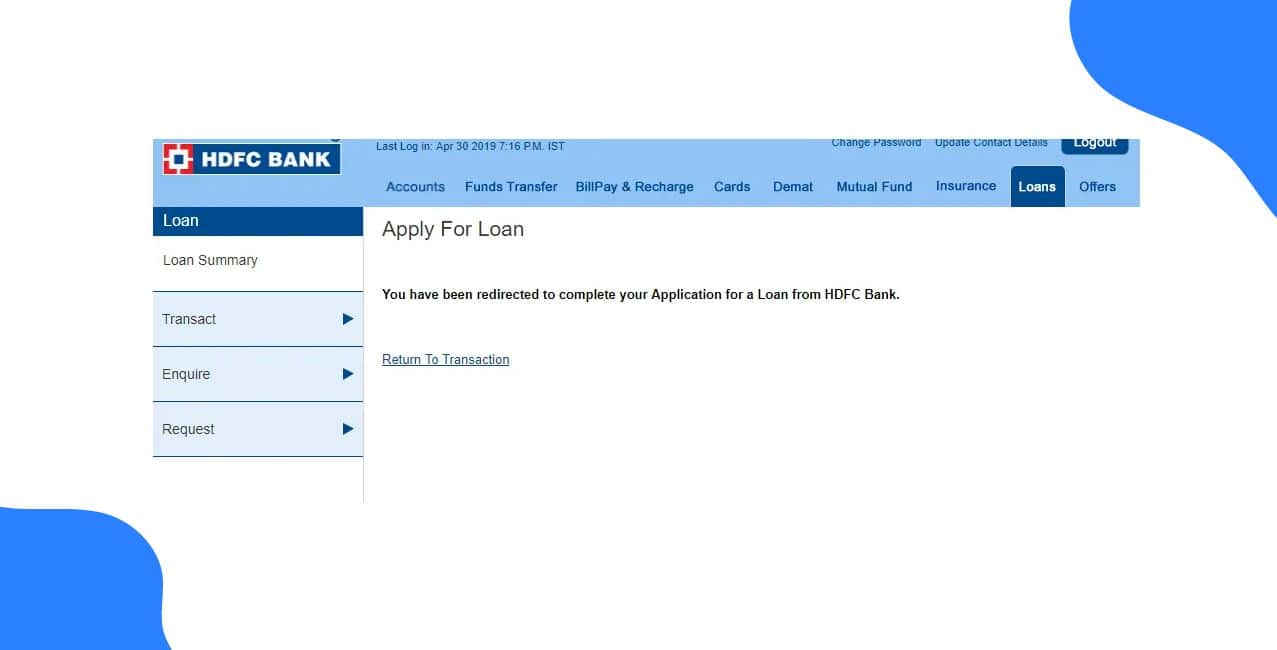
If you have applied for a loan at HDFC Bank, you can check on the status of your application online. This will tell you whether your application has been approved or is still being processed. If you need any help, you can contact HDFC Bank or visit one of their branches. Knowing how to check your status can help you stay up-to-date with your application, whether it be a personal loan, home loan, car loan or business loan.If you are exploring borrowing options, you can contact the professional team of LoansJagat. Our team will help compare loan products, understand their features, and review important terms before choosing a loan that matches your financial needs.
Key Takeaways:
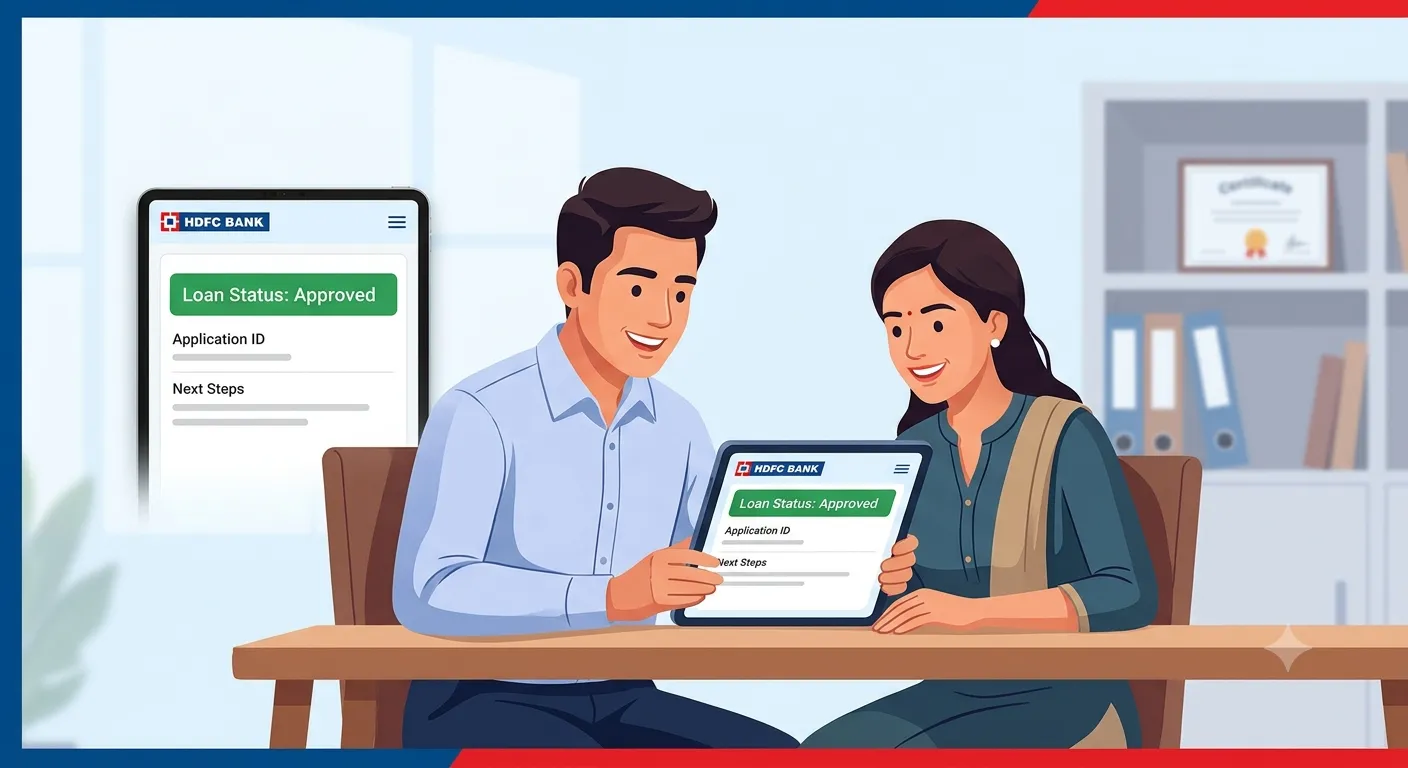
You can check the status of your loan application with HDFC Bank by visiting their official website MyLoans. After logging into your account with your registered mobile number and verifying your identity using the OTP sent to you, you can follow the below steps to check your loan application status:
The MyLoans portal allows you to see any available information relating to your loan application. The information available will depend on your application and what is available within the portal.
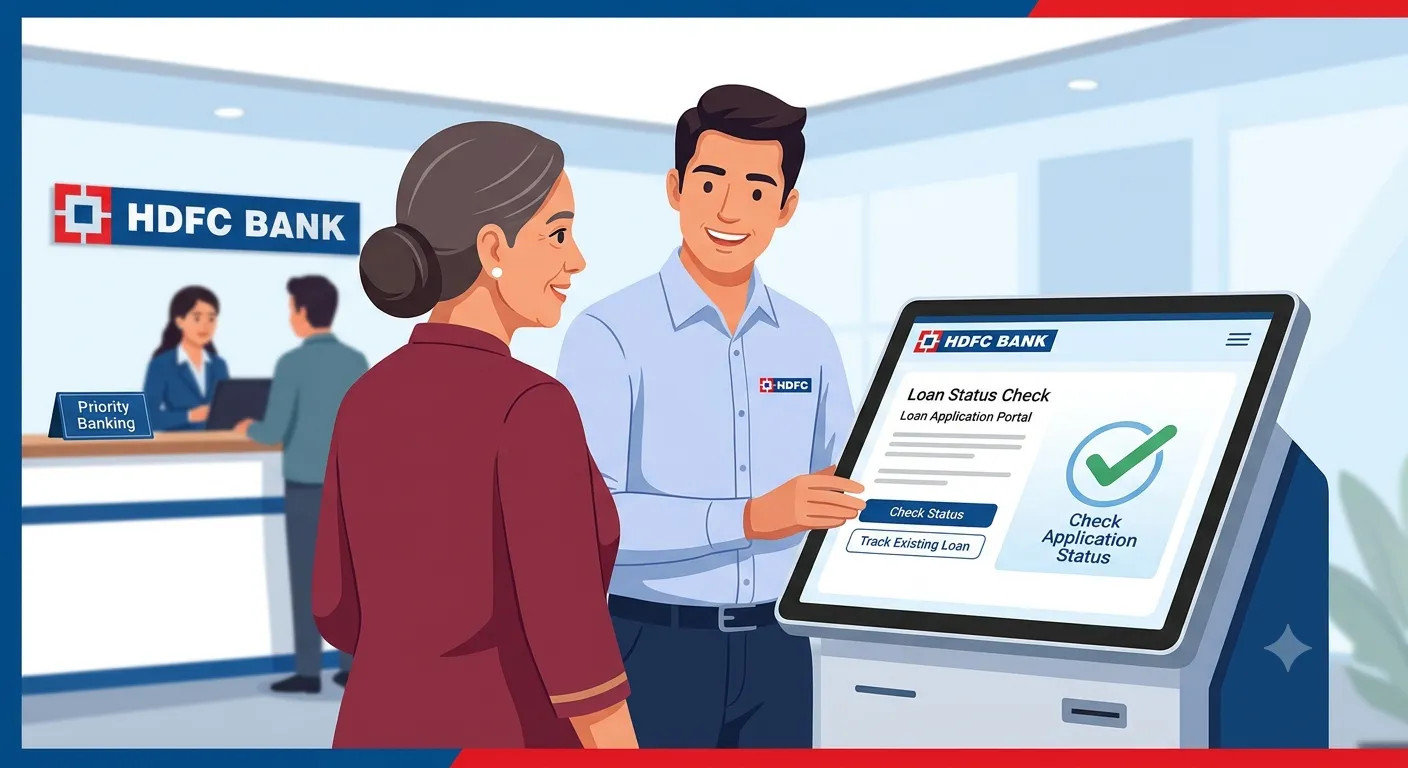
If you are unable to use the online services to track your application, you can contact your lender via their offline channels. Generally, you can check your HDFC bank loan status offline using these channels:
Customer Care Service
Call your lender's official customer care number. Choose the loan-related option and provide them with the details they require. Be prepared to provide your application reference number and registered mobile number. The customer care team may be able to provide an update on your application status or guide you on any further steps required, depending on the information available to them. Make sure you are providing your details only to official customer care executives.
Visit Your Local Branch
Visit your lender's local branch and speak to a customer service agent. Provide them with your application details so they can find your application. Bring along your application reference number and identity documents. If your application requires any further information, they can advise you on what to do next.
Have your application reference and personal details to hand when you contact customer care or visit a branch so they can find your application and give you the latest update available.
Once you submit your personal loan application, you can check the status of your application via various tracking options made available by the lender. However, it would be best to note the details provided below so that you can verify your application.
Track your HDFC Bank loan application regularly. You can easily keep track of your application by having your details ready and providing any further information requested by the bank quickly.
Multiple factors will be considered by the lender before they decide to approve you for a new loan. Depending on how much income you have, your credit history, stable employment and current debts, your application can be approved or denied. Below are some common reasons for being rejected.
If you are not earning enough per month for the lender to approve, your application may be rejected. They will check if you are earning enough to handle the new EMIs.
You may have a low credit score which means you've missed payments, gone into default or have a lot of credit utilisation. Lenders will look at your repayment history, current debts, and your credit history.
If you have changed jobs frequently, left gaps between jobs or have an unstable income, this can cause problems. Overall, lenders like to see someone who has had stable employment or business history.
If a large amount of your income is already taken up by current EMIs, then taking on another loan can seem hard to repay. This can lower your chance of being approved.
In conclusion, just because you have been rejected doesn't mean you will never qualify for credit. Look at your income, current debts, and credit report to see what could be causing any issues. If you can try to improve these factors before applying again, it can help to increase your chances.
You can track the status of your HDFC Bank loan application so that you know what is happening with your application and what you need to do. You can track your loan status via the MyLoans portal, by calling customer care or visiting a branch. Have your application details to hand so they can confirm the status. If there has been a delay or rejection, look at why this may have happened. This could be due to your income, credit history and current debt.
Login to the HDFC MyLoans portal by clicking Get Started. Enter your registered mobile number along with an OTP to log in. Select the type of loan in order to check the status of your application and available loans.
Yes, you can do so by entering the registered mobile number and OTP received on the MyLoans portal.
Yes, you can. Just enter your login details and click on the Consumer Loan section.
Depending on the type of loan, eligibility criteria and verification of documents, it can take a certain amount of time. You can keep track of your application via the MyLoans portal or contact HDFC Bank directly.
Services like statement of accounts, confirmation of balance, closure letter, interest certificate, repayment schedule, request for foreclosure, request for part prepayment, etc., are available.
Log in to the MyLoans portal and enter your registered mobile number and OTP. Then click on the ‘Statement of Account’ option to have access to the statement.
Click on the ‘Balance Confirmation’ service available on the HDFC MyLoans portal to get confirmation of your outstanding loan amount.
Most facilities can be accessed online. However, there might be a few cases where extra information/verification is required.
To gain access, you will need to enter your registered mobile number and the CAPTCHA code provided on the login page. An OTP will then be sent to you by HDFC Bank to confirm your identity.
HDFC MyLoans provides a range of services for various loan types, including personal loans, auto loans, business loans, and two-wheeler loans. Subject to the availability of the products.
Start your journey today
Apply Now*T&C apply