By continuing, you agree to LoansJagat's Credit Report Terms of Use, Terms and Conditions, Privacy Policy, and authorize contact via Call, SMS, Email, or WhatsApp
Disclaimer: The information published on LoansJagat is intended for general informational and educational purposes only and should not be considered financial, legal, or investment advice. Interest rates, loan terms, statistics, and other data may change over time and may vary by lender or source. Please verify the latest information and consult a qualified financial advisor or the respective Bank/NBFC before making any financial decisions.
Apply for Loans Fast and Hassle-Free
Subscribe Now
About the author

LoansJagat Team
‘Simplify Finance for Everyone.’ This is the common goal of our team, as we try to explain any topic with relatable examples. From personal to business finance, managing EMIs to becoming debt-free, we do extensive research on each and every parameter, so you don’t have to. Scroll up and have a look at what 15+ years of experience in the BFSI sector looks like.
Related Blog Post
Simplify All Your Loans Into One Affordable EMI

Customers Served

Debt Consolidated

1200+ Reviews

Locations in India
Club all Loans & Credit Card Bills into Single EMI

Quick Apply Loan
Consolidate your debts into one easy EMI.

Takes less than 2 minutes. No paperwork.

10 Lakhs+
Trusted Customers

2000 Cr+
Loans Disbursed

4.7/5
Google Reviews

20+
Banks & NBFCs Offers
Other services mentioned in this article
KeyTakeaways
An HDFC Bank account number is a 14-digit code that identifies your branch and your individual account. It helps you receive money, make payments, and manage your banking safely. You will need an HDFC Bank account number for every important transaction, whether you are using the app, net banking or visiting a branch.
For example, my friend Rohan opened a new HDFC savings account last month. He checked his welcome letter and found his 14-digit number starting with the prefix “591”, which confirmed his branch code and account type. He now uses this number for UPI, NetBanking, and salary credits.
This blog now explains how the number works, where to find it, and how to keep it secure.
Bonus Tip:
If the Policy Repo Rate is 5.50%, and the bank uses Repo Rate + 3.05% to 7.50%, your final rate will range from 8.55% to 13.00%, helping you quickly judge any loan offer.
You can find your HDFC Bank Account Number quite simply and check it using several quick methods. Here are the easiest ways:
1. Welcome Letter
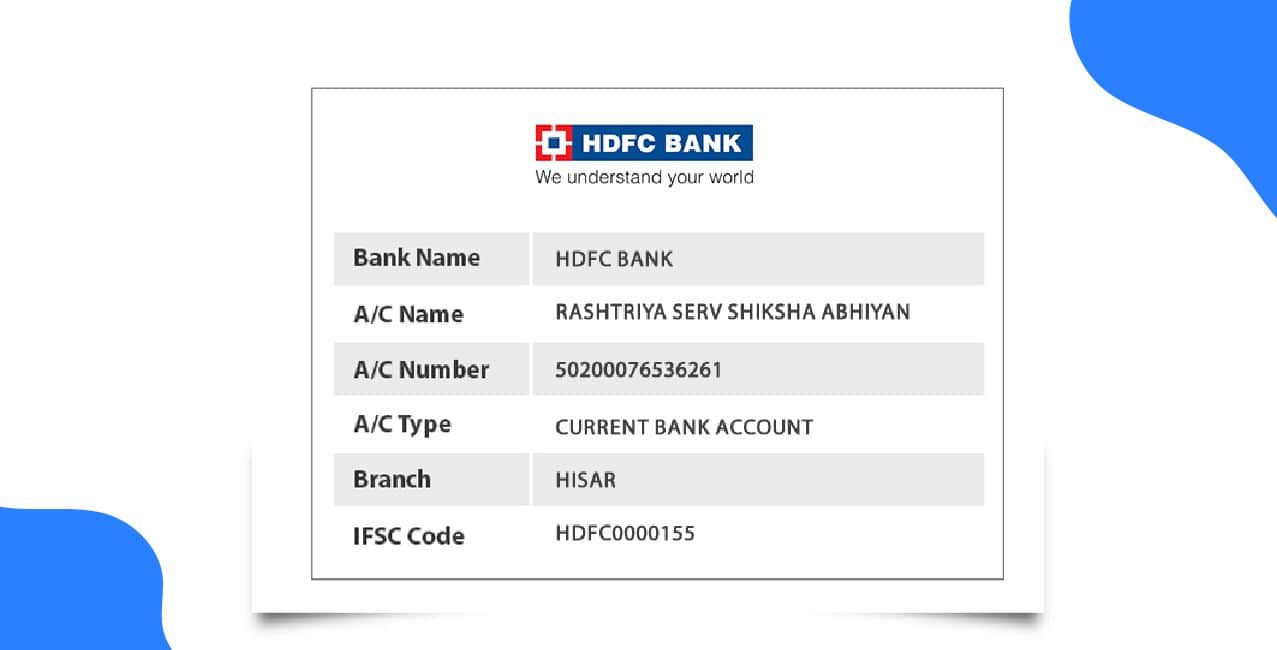
When you open a new HDFC Bank account, the bank gives you a welcome kit. The welcome letter inside clearly shows your HDFC Bank Account Number, customer ID, IFSC code, and other important details. Many people also use the HDFC Bank Account Number Sample printed in this letter to understand the correct format.
Read More – ICICI Bank Account Number
2. Cheque Book
Your cheque book displays your HDFC Bank Account Number on the main information page. Each cheque leaf also contains the number. If you look at the HDFC Bank Account Number Sample printed on the leaves, you can easily identify it.
3. Passbook or Monthly Statements
4. NetBanking
Log in to HDFC NetBanking and open your account summary. Your HDFC Bank Account Number appears on the main dashboard within seconds. This method is especially useful if you are travelling abroad.
5. Mobile Banking App
The HDFC Mobile Banking app displays your account number as soon as you log in. It is the quickest way to view your details while on the move.
6. Visit the Branch
You can visit any HDFC branch, but it is best to go to your home branch for faster help. The bank staff will confirm your identity and provide your account number.
In short, you can find your HDFC Bank Account Number easily through your documents, online banking, mobile app, or by visiting the branch, making the whole process quick and stress-free.
You can use your HDFC Bank Account Number for receiving money, sending payments, and managing your account. The bank also provides an HDFC Bank Account Number Sample in the welcome kit to help you understand the correct format.
1. For Receiving Money
To receive funds, share your HDFC Bank Account Number and the IFSC code with your employer or anyone sending you money. When you check the HDFC Bank Account Number Sample, you can confirm you are sharing the correct digits. You can also add money to your account from a digital wallet by entering your account details.
2. For Online Banking
3. For Sending Money
4. For Checking Your Balance
You can use your HDFC Bank Account Number for every essential banking task, from receiving and sending money to checking your balance with complete ease.
Always keep your account details safe. And you must handle your HDFC Bank Account Number Check carefully at all times. When you check your number, always confirm the HDFC Bank Account Number Digits through trusted sources like NetBanking, the mobile app, or your official bank documents. Never share those digits with strangers.
For every HDFC Bank account number check, avoid public Wi-Fi, shared computers or unverified websites. Always protect your HDFC Bank account number digits by securing your phone, using strong passwords and staying away from suspicious links.
*T&C Apply
An HDFC Bank account number usually has a clear and organised structure. When you perform an HDFC Bank Account Number Check, you will notice that the number is typically 14 digits long.
The first few HDFC Bank Account Number Digits often show the branch code, which identifies the specific HDFC branch where the account was opened.
Also Read – Indian Bank Account Number
After the branch code, the remaining digits act as the unique customer identifier. Some parts of the number may also represent the product type, such as savings or current accounts.
HDFC Bank account number follows a clear 14-digit structure, making it easy to recognise and verify whenever you need it. By understanding how the number is built and where to find it, you can manage your banking tasks with confidence and keep your financial information secure.
FAQ: Can I get all details of my HDFC Bank account using only my account number?
Yes, you can get all the details of your own HDFC Bank account, but you must verify your identity. You can check your welcome kit, email statements, netbanking, or the mobile app for your information. HDFC Bank will also share details when you show a valid ID, such as your PAN or Aadhaar. However, you cannot find details of someone else’s account, as it is illegal and unethical.
FAQ: Where can I find my HDFC Bank account number?
You can find your HDFC Bank account number on your welcome letter, passbook, cheque book, NetBanking dashboard, or the HDFC Mobile Banking app.
FAQ: What is the format of an HDFC Bank account number and branch code?
HDFC Bank uses a 14-digit account number that helps identify your branch and the type of account you hold. The first few digits usually indicate the branch, while the remaining digits identify your individual account. You can find this number easily on your welcome letter, cheque book, passbook, statements, NetBanking or mobile app. If you want to check your branch IFSC code, look at the top left corner of any cheque leaf.
FAQ: What should I do if an HDFC Bank account is created using my mobile number without my authorisation?
If you receive an HDFC SMS or email about NetBanking activation for an account you never opened, contact HDFC Bank immediately. Visit your nearest branch or call official customer care and report the issue. Ask them to verify whether any account exists in your name and request them to disable or close it if it is unauthorised. Do not ignore the message, and avoid clicking any links or logging in using the details. HDFC will secure your customer ID after confirming your identity.
FAQ: What should I do if my HDFC online savings account shows “active” but I have not received any account details?
If HDFC Bank says your account is active but you have not received your account number or Customer ID, contact HDFC Bank immediately through official channels. Visit a nearby branch or call customer care and ask them to verify your application status. Do not click any suspicious links or reset any passwords unless the bank confirms it is genuine. The bank will share your correct account details only after verifying your identity, and they will also check whether the emails you received are authentic.
Other Related Pages | |||
South Indian Bank Account Number | Bank of India Account Number | Bank of Maharashtra Account Number | Bank of Baroda Account Number |
Canara Bank Account Number | City Union Bank Account Number | DBS Bank Account Number | Federal Bank Account Number |
Fino Bank Account Number | HDFC Bank Account Number | ICICI Bank Account Number | Indian Bank Account Number |
Indian Overseas Bank Account Number | KCC Account Number | Union Bank Account Number | Yes Bank Account Number |












