By continuing, you agree to LoansJagat's Credit Report Terms of Use, Terms and Conditions, Privacy Policy, and authorize contact via Call, SMS, Email, or WhatsApp
Disclaimer: The information published on LoansJagat is intended for general informational and educational purposes only and should not be considered financial, legal, or investment advice. Interest rates, loan terms, statistics, and other data may change over time and may vary by lender or source. Please verify the latest information and consult a qualified financial advisor or the respective Bank/NBFC before making any financial decisions.
Apply for Loans Fast and Hassle-Free
Subscribe Now
About the author

LoansJagat Team
‘Simplify Finance for Everyone.’ This is the common goal of our team, as we try to explain any topic with relatable examples. From personal to business finance, managing EMIs to becoming debt-free, we do extensive research on each and every parameter, so you don’t have to. Scroll up and have a look at what 15+ years of experience in the BFSI sector looks like.
Related Blog Post
Simplify All Your Loans Into One Affordable EMI

Customers Served

Debt Consolidated

1200+ Reviews

Locations in India
Club all Loans & Credit Card Bills into Single EMI

Quick Apply Loan
Consolidate your debts into one easy EMI.

Takes less than 2 minutes. No paperwork.

10 Lakhs+
Trusted Customers

2000 Cr+
Loans Disbursed

4.7/5
Google Reviews

50+
Banks & NBFCs Offers
Other services mentioned in this article
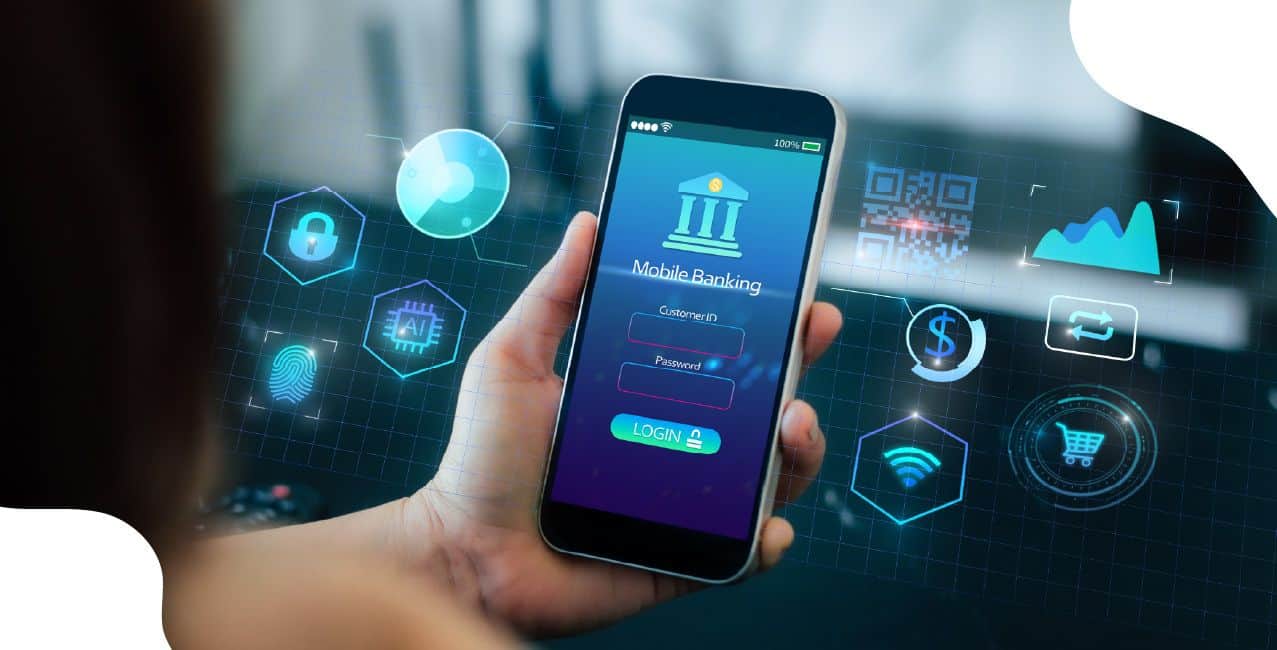
Mobile banking allows customers to use banking services through smartphones. People can transfer money, check balances, and pay bills easily.
Let’s understand it with the help of an example:
Raj sends ₹5,000 to his friend using the Google Pay app. The transfer takes only 10 seconds to complete successfully. Banks charge a ₹0 fee for UPI transactions under ₹2,000. Over 30 crore Indians use mobile banking services daily. People save ₹50 per month on transport costs to banks.
Mobile Banking Features
Mobile banking saves time and money for customers. People can bank anytime without visiting physical branches. This technology makes banking accessible to rural areas. Security features protect customers' money and personal information. Mobile banking helps millions of Indians manage finances conveniently.
Banks offer loan applications and credit card services online. Customers can open fixed deposits and recurring deposits digitally. Mobile banking allows users to block lost debit cards. Investment options like mutual funds become accessible through apps. Customer support chat features help solve problems quickly.
Example: HDFC Bank Mobile App Usage
Meera uses the HDFC mobile app to manage her finances. She transfers ₹10,000 to her mother every month instantly. The app shows her account balance of ₹45,000 clearly. Meera pays the ₹2,500 electricity bill through mobile banking. She saves ₹200 monthly on bank visit costs.
Mobile banking saves valuable time for busy customers daily. People avoid long queues at bank branches completely. The service works 24 hours without any time restrictions. Customers can bank from home, office, or anywhere else. This convenience helps people manage finances more efficiently.
Mobile banking reduces travel costs and petrol expenses significantly. Users get instant notifications for all account activities. The service helps track spending patterns and budgets. Emergency money transfers become possible during critical situations. Mobile banking promotes cashless transactions across the country.
Example: Cost Savings Through Mobile Banking
Ravi saves money by using mobile banking regularly. He avoided 20 bank visits costing ₹100 each monthly. Mobile banking saved him ₹2,000 in travel expenses. Ravi transfers his ₹15,000 salary to his family without charges. He pays ₹8,000 in bills through the mobile app.
Customers must download their bank's official mobile app first. Registration requires an account number, debit card, and phone number. Banks send OTP to registered mobile numbers for verification. Users create secure passwords and PINs for app access. The account linking process takes a few minutes to complete.
Banks verify customer identity through multiple security questions. Users must enable biometric authentication for extra security. The app asks permission to access phone features safely. Customers can set transaction limits according to their needs. Banks provide tutorial videos to help new users.
Example: SBI Mobile Banking Registration Process
Amit registers for SBI mobile banking following the simple steps. He downloads the YONO app costing ₹0 from the Play Store. Registration requires his ₹50,000 account balance verification. Amit sets a daily transaction limit of ₹25,000 for safety. The entire setup process takes only 15 minutes.
Mobile banking uses advanced encryption to protect customer data. Banks implement multi-factor authentication for transaction security. Users must never share passwords or PINs with anyone. Regular password updates keep accounts safe from hackers. Biometric authentication adds extra protection layers for users.
Customers should use secure internet connections for banking activities. Public WiFi networks pose security risks for transactions. Banks send SMS alerts for all account activities. Users must log out completely after finishing banking tasks. Regular app updates fix security vulnerabilities and bugs.
*T&C Apply
Priya uses multiple security features while mobile banking. She enables fingerprint authentication worth ₹0 extra cost. Her account gets SMS alerts for ₹500+ transactions. Priya changes her PIN every 3 months regularly. She receives ₹1,00,000 fraud protection from the bank.
Network connectivity issues can interrupt mobile banking transactions. Slow internet speeds cause app crashes and delays. Some users face difficulty remembering multiple passwords. Technical glitches occasionally prevent successful money transfers. Smartphone battery drain affects banking app performance.
Banks provide offline customer support for technical problems. Users can contact helplines for transaction failures. Regular app updates fix most technical issues automatically. Banks offer password recovery options through email. Customer service teams help resolve account problems quickly.
Example: Solving Mobile Banking Problems
Kumar faces network issues while transferring ₹20,000 urgently. His transaction fails, but money gets debited temporarily. Kumar calls the bank helpline costing ₹0 for assistance. The support team reverses ₹20,000 within 2 hours. Kumar receives ₹50 compensation for the inconvenience caused.
Mobile banking revolutionises how people manage their finances daily. This technology saves time, money, and effort for millions of users. Banks provide secure platforms that work anytime, anywhere. People can complete banking tasks within minutes using smartphones conveniently.
FAQs
1. What is mobile banking?
Mobile banking lets customers use banking services through smartphone apps.
2. Is mobile banking safe to use?
Yes, banks use strong security features to protect customers' money.
3. How much does mobile banking cost?
Most mobile banking services are free for customers to use.
4. Can I transfer money anytime using mobile banking?
Yes, mobile banking works 24 hours every day of the year.
5. What happens if my mobile banking transaction fails?
Banks reverse failed transactions and refund money within a few hours.
Other Related Pages | |||