By continuing, you agree to LoansJagat's Credit Report Terms of Use, Terms and Conditions, Privacy Policy, and authorize contact via Call, SMS, Email, or WhatsApp
Disclaimer: The information published on LoansJagat is intended for general informational and educational purposes only and should not be considered financial, legal, or investment advice. Interest rates, loan terms, statistics, and other data may change over time and may vary by lender or source. Please verify the latest information and consult a qualified financial advisor or the respective Bank/NBFC before making any financial decisions.
Apply for Loans Fast and Hassle-Free
Subscribe Now
About the author

LoansJagat Team
‘Simplify Finance for Everyone.’ This is the common goal of our team, as we try to explain any topic with relatable examples. From personal to business finance, managing EMIs to becoming debt-free, we do extensive research on each and every parameter, so you don’t have to. Scroll up and have a look at what 15+ years of experience in the BFSI sector looks like.
Related Blog Post
Simplify All Your Loans Into One Affordable EMI

Customers Served

Debt Consolidated

1200+ Reviews

Locations in India
Club all Loans & Credit Card Bills into Single EMI

Quick Apply Loan
Consolidate your debts into one easy EMI.

Takes less than 2 minutes. No paperwork.

10 Lakhs+
Trusted Customers

2000 Cr+
Loans Disbursed

4.7/5
Google Reviews

50+
Banks & NBFCs Offers
Other services mentioned in this article
Key Insights
“Are you planning to visit RTO Idukki? If your answer is ‘yes’, then you must read this blog as it will save half your day with smart online shortcuts for driving licence and RC services.”
The RTO Idukki is the regional transport office in Kerala, responsible for vehicle registration and all activities related to transportation.
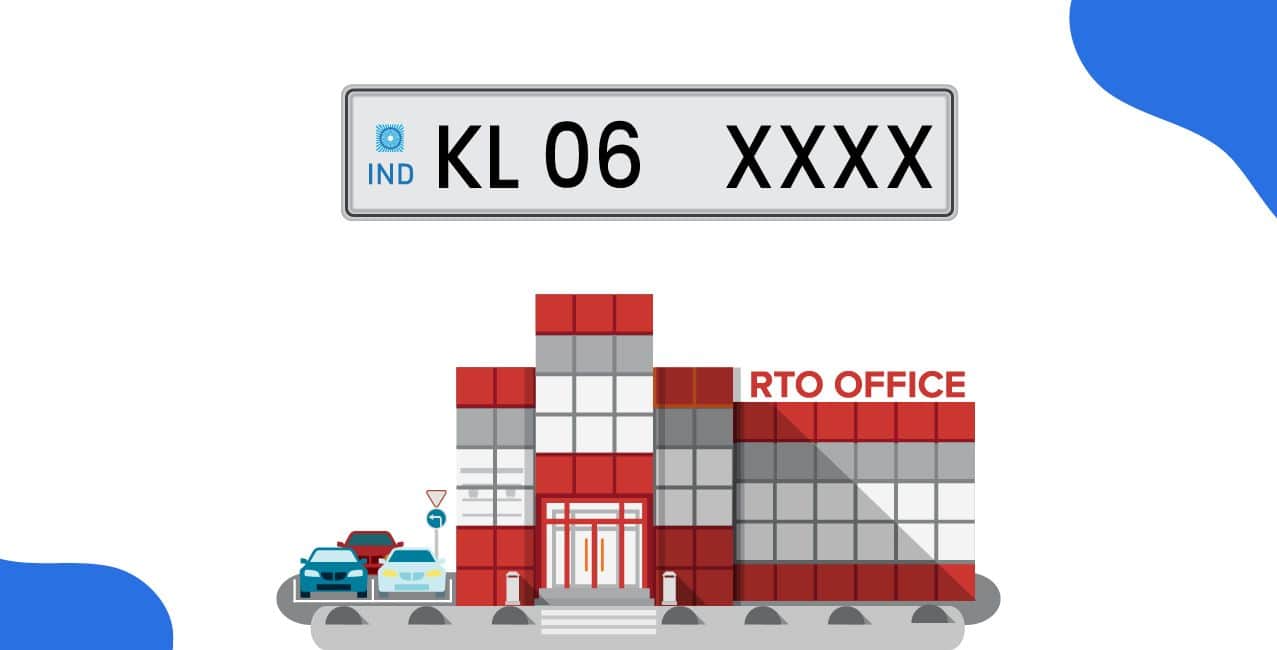
The RTO Idukki provides various services, including RC, DL, and road tax, under code KL06. The Kerala government has its own website for transportation.
This blog helps you understand the RTO Idukki registration process, including how to obtain your DL, associated charges, and more.
List of RTOs in Idukki
“Without proper information, you might get confused while searching for the right RTO in Idukki. To save your time, you must look at this list with exact info to reach the right RTO in Idukki.”
If you don’t know the vehicle code of the RTO Idduki, this table helps you to find out about the code.
Without proper information, you might be confused, but this table shows you the proper information about the code, contact number, and address.
Functions of RTO Idukki
“Have you ever wondered what all functions are performed by RTO Idukki? If yes, then you must keep reading as below-mentioned is the list of the functions performed by the RTO Idukki.”
The RTO Idukki has several functions that enable you to operate your vehicles on Indian roads without any restrictions. Here is the list of RTO Idukki functions:
These function helps the Idukki people to ride their vehicles in Idukki legally.
“Who does not like to skip an endless queue? To do so, you need to follow this step-by-step registration process and get your vehicle legally approved without the usual chaos.”
The RTO Idukki helps the public of Idukki in legalising their vehicles through Vehicle Registration at the RTO Idukki. Follow the simple steps below:
Step 1: Visit the Idukki RTO office with your vehicle.
Step 2: Obtain Vehicle Registration Form 20 and complete it accurately. Ensure you have all necessary documents with you.
Step 3: Submit the completed form with your documents and pay the RTO fees and taxes.
Step 4: The Idukki RTO will inspect your vehicle and verify your documents.
Step 5: Once everything is confirmed, the RTO will approve your vehicle registration.
Step 6: Your smart card registration certificate (RC) will be sent to your registered address, and you can also collect it from the Idukki RTO office.
Having completed the registration process, we will now review the documents required by the RTO.
Documents Required for Vehicle Registration at RTO Idukki
“Even a single missing document can ruin your day and delay your vehicle registration process. To save your day, you must double-check this document's required list.”
Ensure that all documents are up-to-date, as using false documents can lead to trouble at RTO Idukki. Here is the list of mandatory documents.
These are the mandatory documents for registering your vehicle in the RTO Idukki.
Bonus Tip: Do you know? You can contact the RTI Idukki through email kl07.mvd@kerala.gov.in.
RTO Idukki Charges for Vehicle Registration
“Would you like to avoid paying extra vehicle registration charges at RTO Idukki? If yes, then continue reading so that no one can fool you and take extra money from you.”
This table shows the fees for vehicle registration in Idukki:
To avoid extra penalties, it's essential to know the charges of the Idukki RTO and ensure you don't use false documents for vehicle registration.
How to get a Driving licence in Idukki Online?
“Fir wahi lambi line! Ho gaya pura din waste!! To save yourself from this situation, learn how you can get a driving licence online.”
The driving licence is a permit from the government that confirms you are familiar with the rules & regulations of the RTO Idukki and are eligible to drive or ride. This online process shows how you get a driving licence:
Step 1: Visit the official website of the Government (Parivahan Sewa website).
Step 2: Scroll down a little bit, and you can see four options:
Step 3: Click on the Drivers/Learning Licence.
Step 4: Now, open a different window where you will see an option to “Select State Name”.
Step 5: You will see many options, select "Apply for Driving Licence" and you will see two options: "Continue and Home". Click on Continue.
Step 6: Fill in all the details according to your preferences, complete the CAPTCHA, and then click OK. (Complete all information, like your updated photo and signature)
Step 7: After completing all the documents, you will be directed to the payment gateway. Your options are:
Step 8: After payment, click the Home button.
You can follow these simple steps to apply for a driving licence through the government's official website.
How to get a Driving licence in Idukki Offline?
“Online forms mujhe nahi samajh aate, kabhi yaha click karo kabhi waha!! If you think the same, then follow the below-mentioned steps to get your driving licence in the traditional offline way.”
Civil Station, Kuyilimala, Pinav PO, 685603
For a new vehicle, the price is ₹600
*T&C Apply
If you are not comfortable with the online process, then you can apply for the offline method of RTO Idukki. Here is the step-by-step offline process of obtaining a driving licence in RTO Idukki.
You can follow these steps to apply for the driving licence in RTO Idukki.
Documents Required for Driving Licence at RTO Idukki
I got my driving licence approved easily by following one simple trick. Curious to know what it was? Keep reading, the secret was submitting all the required documents at the time of application.
These documents are essential for obtaining a driving licence easily and reducing your waiting period.
Driving Licence Fees at RTO Idukki
“Licence renew karwane ka fees bas ₹200 hi tha but mene to ₹500 pay kar diya!! To save yourself from such a situation, learn about driving licence related charges before applying.”
If you want a driving licence, you have to pay some fees to the RTO Idukki. Here is the list of driving licence fees.
This table shows you the RTO Idukki fees.
Bonus Tip: If you delay up to 3 months for a transport vehicle, you can pay ₹200; for a transport vehicle, the fee is ₹100.
How to Pay Road Tax Online in Idukki?
“I hate to stand in long queues to pay road tax! If you are also like me, then you can save hours by doing it online, just follow the below-mentioned process.”
Vehicle owners can conveniently pay the applicable road tax by using https://parivahan.gov.in/.
In addition to saving a significant amount of time, this is a faster and more effective way to fulfil your road tax liability.
You can pay the road tax of RTO Idukki with the help of the Indian Official website Parivahan application.
Traffic Fines and Penalties in Idukki
Did you recently get a traffic fine in Idukki? Stay calm. Here’s how you can quickly check your penalty and pay it online in just a few minutes.
This table outlines the penalties, fines, and fees of RTO Kothamangalam, along with the relevant sections of the traffic rules, for each offence.
Conclusion
“Done reading? Now it’s time to act. Whether you are cruising through Idukki’s hills or driving to town, make sure your vehicle is RTO-approved.
The RTO Idukki is responsible for traffic rules and regulations. You can register your vehicle, apply for a driving licence, renew your driving licence, and access many services that help you drive safely in Idukki City.
You can visit the Kerala government website for more information about Kerala's traffic rules and regulations.
FAQs
How can I check vehicle owner details in Kerala?
You can check vehicle owner details in Kerala by visiting the Parivahan Sewa portal at parivahan.gov.in.
Yes, you can access RTO details online for most states in India using the Parivahan portal. This site lets you view vehicle registration, ownership information, tax payments, and other RTO services.
Go to the Parivahan website to apply online. Upload your FIR copy, affidavit, driving licence, and photos. After paying the fee, you can collect your duplicate RC.
You will usually get your renewed RC within 7 to 10 working days.