By continuing, you agree to LoansJagat's Credit Report Terms of Use, Terms and Conditions, Privacy Policy, and authorize contact via Call, SMS, Email, or WhatsApp
Disclaimer: The information published on LoansJagat is intended for general informational and educational purposes only and should not be considered financial, legal, or investment advice. Interest rates, loan terms, statistics, and other data may change over time and may vary by lender or source. Please verify the latest information and consult a qualified financial advisor or the respective Bank/NBFC before making any financial decisions.
Apply for Loans Fast and Hassle-Free
Subscribe Now
About the author

‘Simplify Finance for Everyone.’ This is the common goal of our team, as we try to explain any topic with relatable examples. From personal to business finance, managing EMIs to becoming debt-free, we do extensive research on each and every parameter, so you don’t have to. Scroll up and have a look at what 15+ years of experience in the BFSI sector looks like.
Related Blog Post
Simplify All Your Loans Into One Affordable EMI

Customers Served

Debt Consolidated

1200+ Reviews

Locations in India
Club all Loans & Credit Card Bills into Single EMI

Quick Apply Loan
Consolidate your debts into one easy EMI.

Takes less than 2 minutes. No paperwork.

10 Lakhs+
Trusted Customers

2000 Cr+
Loans Disbursed

4.7/5
Google Reviews

50+
Banks & NBFCs Offers
Other services mentioned in this article
Key Takeaways
Credit card bill payments on time are very important today. Late payments can affect your credit score and finances badly.
Meet Vihan, a young professional from Mumbai who works hard. He once missed his credit card payment deadline by accident. This mistake cost him late fees and affected his score. Vihan then learned about easy online payment methods available. He now pays his bills on time every month.
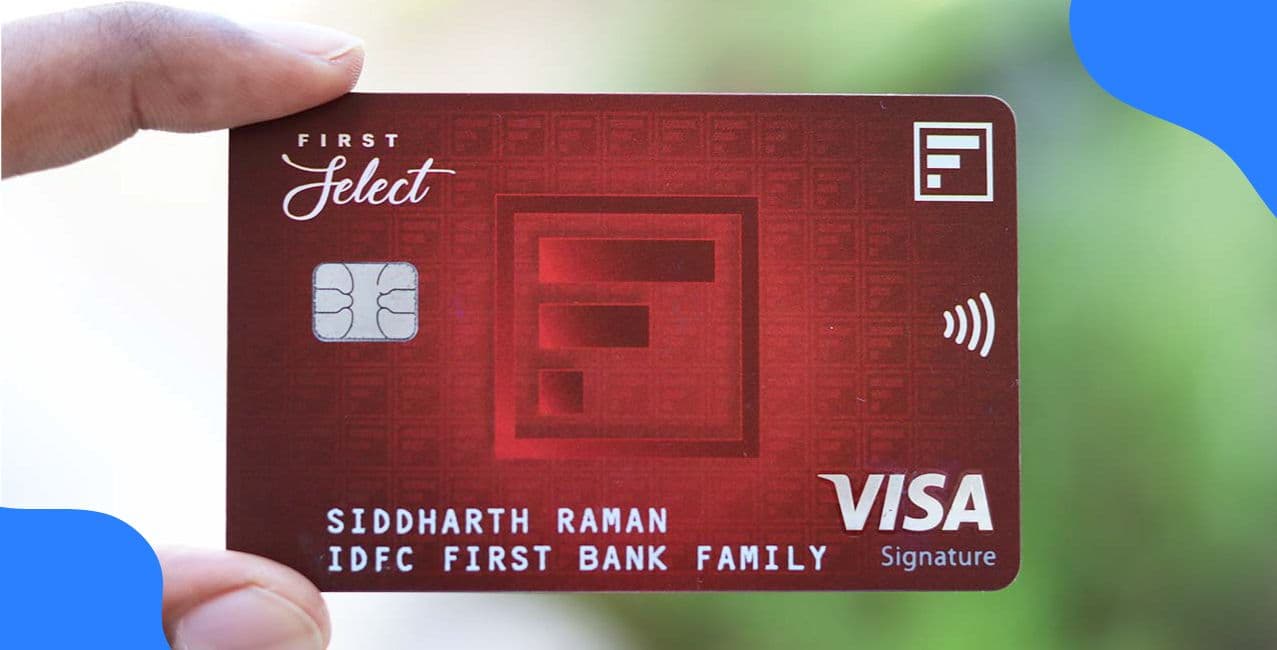
This blog explains all the simple methods for IDFC credit card bill payment. You will learn about net banking, UPI, NEFT and other options.
IDFC FIRST Bank offers multiple online methods for bill payment. You can choose any convenient option to pay bills.
These online methods make IDFC credit card bill payment simple.
You can make IDFC credit card bill payment through website. This method is quick and simple to use.
This website method makes IDFC credit card bill payment convenient.
IDFC Credit Card Bill Payment through Mobile App with easy Steps:
IDFC Credit Card Bill Payment becomes super simple and stress-free.
You can make IDFC credit card bill payment through net banking. Use your mobile phone, laptop or personal computer for this.
Net banking makes your bill payment quick and hassle-free.
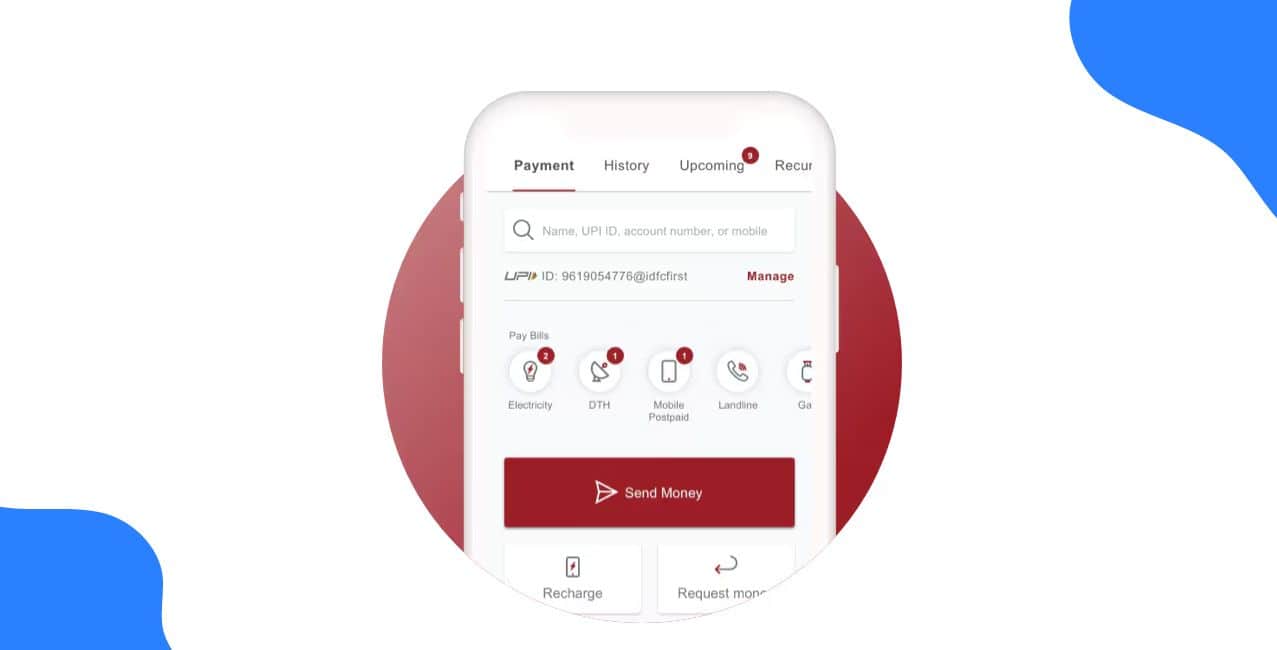
UPI has made payments easy and quick. You can now pay your IDFC credit card bill payment using UPI. This method is simple and convenient.
What You Need
You need a valid UPI ID first. Your bank account must be linked with this UPI ID. You also need sufficient funds in your account. A smartphone and internet connection are essential too.
Payment Through UPI App
Open your UPI app on your phone. Choose the credit card bill payment option. Enter your card details carefully. Add the payment amount you want to pay. Complete the transaction by confirming the payment.
Payment Through Credit Card Account
Log in to your IDFC credit card account. Select the bill payment option from the menu. Choose the UPI payment mode next. Enter your UPI ID or select your UPI app. Complete your IDFC credit card bill payment easily.
Things to Remember
You will need your UPI PIN to finish payment. Choose an account with a valid UPI ID. Ensure you have enough balance before paying.
You can make IDFC credit card bill payment using NEFT. NEFT stands for National Electronic Funds Transfer. This method transfers funds from your bank account.
*T&C Apply
NEFT makes your credit card bill payment secure and easy. If your bill amount is beyond ₹2,00,000 then you need to complete your payment through RTGS. The steps to carry out RTGS (Real Time Gross Settlement) are the same as NEFT.
Follow these simple tips to make your bill payments smooth. These practices will help you avoid any payment issues.
These tips ensure timely and hassle-free credit card payments.
IDFC FIRST Bank makes credit card bill payments very simple. You can choose from multiple convenient online payment methods available. Net banking, UPI, mobile app and website payments work perfectly. NEFT transfers are also quick and secure for payments. Always pay your bills before the due date arrives. Keep your payment details ready for faster transactions always. Set reminders to never miss a payment deadline again. Follow our tips for a smooth and hassle-free experience.
Bonus Tip: Set up auto-debit instructions through IDFC FIRST Bank net banking to never miss a payment deadline again.
Q1: Can I pay my IDFC credit card bill internationally?
Yes, you can pay through net banking from anywhere worldwide.
Q2: Is there a charge for UPI credit card payments?
No, UPI payments for credit cards are completely free.
Q3: How long does NEFT payment take to reflect?
NEFT payments usually reflect within two to three hours.
Q4: Can I schedule automatic payments for my bill?
Yes, you can set up auto-debit through net banking easily.
Q5: If you’re charged late payment fees on your IDFC First credit card, can they be reversed?
Yes, several users report that if you explain the situation and raise a service request (especially with a good payment history), IDFC sometimes waives/reverses the late fee charges as a one-time goodwill exception.
Q6: Which app can I use to check my balance for an IDFC First Bank credit/debit card?
Use the IDFC FIRST Bank MobileBanking app to log in with your registered number and view your credit-card balance or linked bank account details easily.
Other Related Pages | |||