By continuing, you agree to LoansJagat's Credit Report Terms of Use, Terms and Conditions, Privacy Policy, and authorize contact via Call, SMS, Email, or WhatsApp
Disclaimer: The information published on LoansJagat is intended for general informational and educational purposes only and should not be considered financial, legal, or investment advice. Interest rates, loan terms, statistics, and other data may change over time and may vary by lender or source. Please verify the latest information and consult a qualified financial advisor or the respective Bank/NBFC before making any financial decisions.
Subscribe Now
About the author

LoansJagat Team
‘Simplify Finance for Everyone.’ This is the common goal of our team, as we try to explain any topic with relatable examples. From personal to business finance, managing EMIs to becoming debt-free, we do extensive research on each and every parameter, so you don’t have to. Scroll up and have a look at what 15+ years of experience in the BFSI sector looks like.
Related Blog Post
Simplify All Your Loans Into One Affordable EMI

Customers Served

Debt Consolidated

1200+ Reviews

Locations in India
Club all Loans & Credit Card Bills into Single EMI

Quick Apply Loan
Consolidate your debts into one easy EMI.

Takes less than 2 minutes. No paperwork.

10 Lakhs+
Trusted Customers

2000 Cr+
Loans Disbursed

4.7/5
Google Reviews

50+
Banks & NBFCs Offers
Other services mentioned in this article
Key Takeaways
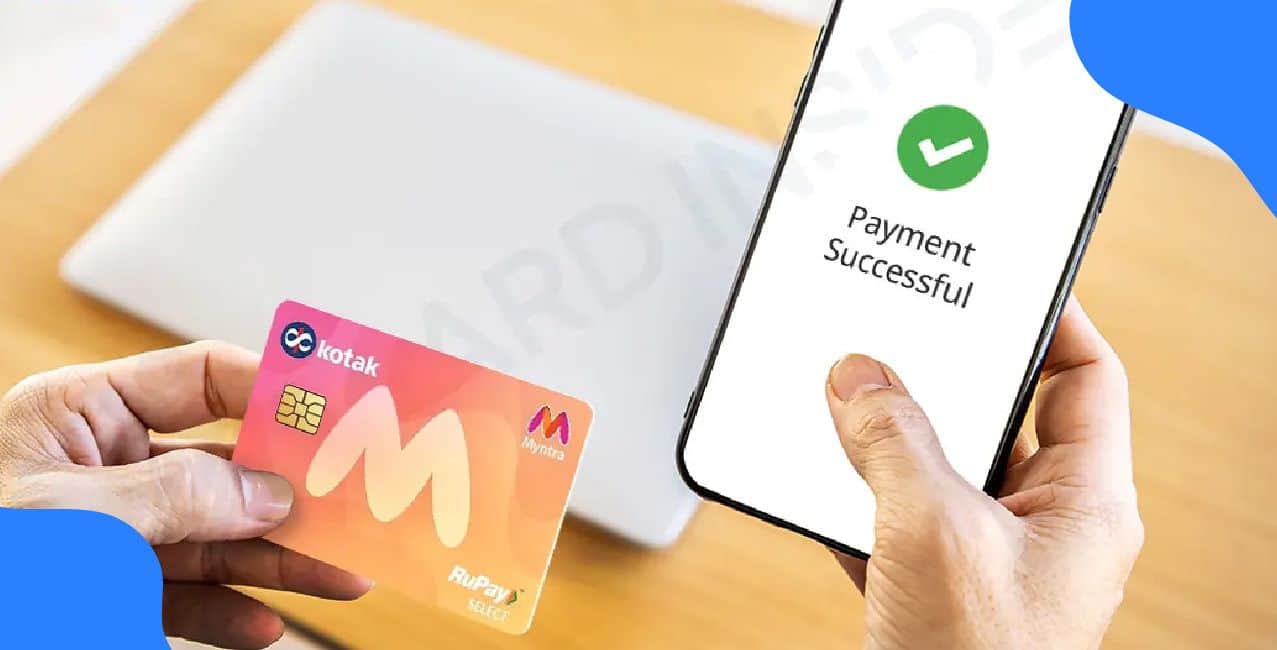
Credit card bill payments often seem complicated for most customers. Kotak Mahindra Bank makes this process simple and convenient for all its customers.
Meet Lokesh, a young professional living in Mumbai. He often forgot his credit card payment due dates. This resulted in late payment fees of ₹750 and penalty charges every month. One day, his friend told him about Kotak’s online payment options.
Lokesh discovered he could pay his bills anytime, anywhere using his mobile phone. His monthly credit card bill is around ₹12,000, and the due date is the 15th of every month. Now he sets a reminder 2 days before and never misses a payment. He saves ₹750 monthly on unnecessary charges and maintains a good credit score of 780.
This blog will guide you through all the easy methods to pay your Kotak Mahindra credit card bill online.
Kotak Mahindra credit card bill payment offers multiple convenient online options for customers.
Kotak Mahindra credit card bill payment through these online methods makes managing your bills simple and hassle-free.
Paying your Kotak Mahindra credit card bill online is quick and easy.
Kotak Mahindra credit card bill payment through the website makes managing your finances simple and convenient.
Make instant credit card payment from your Kotak Bank account with Kotak Mahindra’s mobile banking app.
Kotak Mahindra credit card bill payment through the mobile app makes managing your bills hassle-free and instant.
Kotak Mahindra credit card bill payment is simple and convenient with net banking.
Kotak Mahindra credit card bill payment through net banking makes managing your finances easy and hassle-free.
You may follow the steps mentioned below to pay through UPI QR:
Kotak Mahindra credit card bill payment through UPI makes settling your bills fast and convenient.
Kotak Mahindra credit card bill payment is convenient and secure with NEFT.
Here are the details you will need to enter:
*T&C Apply
Kotak Bank
Make sure all details are entered correctly to avoid payment delays or transaction failures.
Kotak Mahindra credit card bill payment through NEFT allows easy transfers from any bank account.
Follow these simple tips for smooth Kotak Mahindra credit card bill payment:
These tips ensure your Kotak Mahindra credit card bill payment is always smooth and stress-free.
Kotak Mahindra credit card bill payment has become incredibly simple with multiple online options available. You can choose from mobile banking, net banking, UPI, WebPay, NEFT, or VISA payment methods based on your convenience.
Each method is secure, fast, and user-friendly. Follow these simple steps and tips to make timely payments and avoid late fees. Online bill management saves your time and gives you instant payment confirmation.
Bonus Tip: Did you know? If you like paying by cash or cheque, you can use Kotak’s branch locator on their website to instantly find your nearest branch and clear your credit card dues in person.
Q1. Can I pay my Kotak credit card bill from another bank account?
Yes, you can pay using NEFT or IMPS from any bank account.
Q2. How long does it take for my payment to reflect?
Payments through mobile banking and net banking are credited within 24 hours.
3. Can I pay my bill by cheque?
Yes, drop a cheque at your nearest branch ATM dropbox.
4. Can I pay my bill at the branch counter?
Yes, visit the nearest Kotak Mahindra Bank branch and deposit cash.
Other Related Pages | |||