By continuing, you agree to LoansJagat's Credit Report Terms of Use, Terms and Conditions, Privacy Policy, and authorize contact via Call, SMS, Email, or WhatsApp
Disclaimer: The information published on LoansJagat is intended for general informational and educational purposes only and should not be considered financial, legal, or investment advice. Interest rates, loan terms, statistics, and other data may change over time and may vary by lender or source. Please verify the latest information and consult a qualified financial advisor or the respective Bank/NBFC before making any financial decisions.
Apply for Loans Fast and Hassle-Free
Subscribe Now
About the author

Diwaker Sharma
Diwaker Sharma is a finance content specialist with expertise in banking, personal finance, credit cards, loans, fintech, and financial news. An MBA in Finance with prior experience in the banking sector, he combines industry knowledge with SEO and content strategy to produce insightful, research-backed articles. Passionate about making finance accessible, he transforms complex financial concepts into clear, engaging content that empowers readers to make smarter financial decisions with confidence.
Related Blog Post
Simplify All Your Loans Into One Affordable EMI

Customers Served

Debt Consolidated

1200+ Reviews

Locations in India
Club all Loans & Credit Card Bills into Single EMI

Quick Apply Loan
Consolidate your debts into one easy EMI.

Takes less than 2 minutes. No paperwork.

10 Lakhs+
Trusted Customers

2000 Cr+
Loans Disbursed

4.7/5
Google Reviews

50+
Banks & NBFCs Offers
Other services mentioned in this article
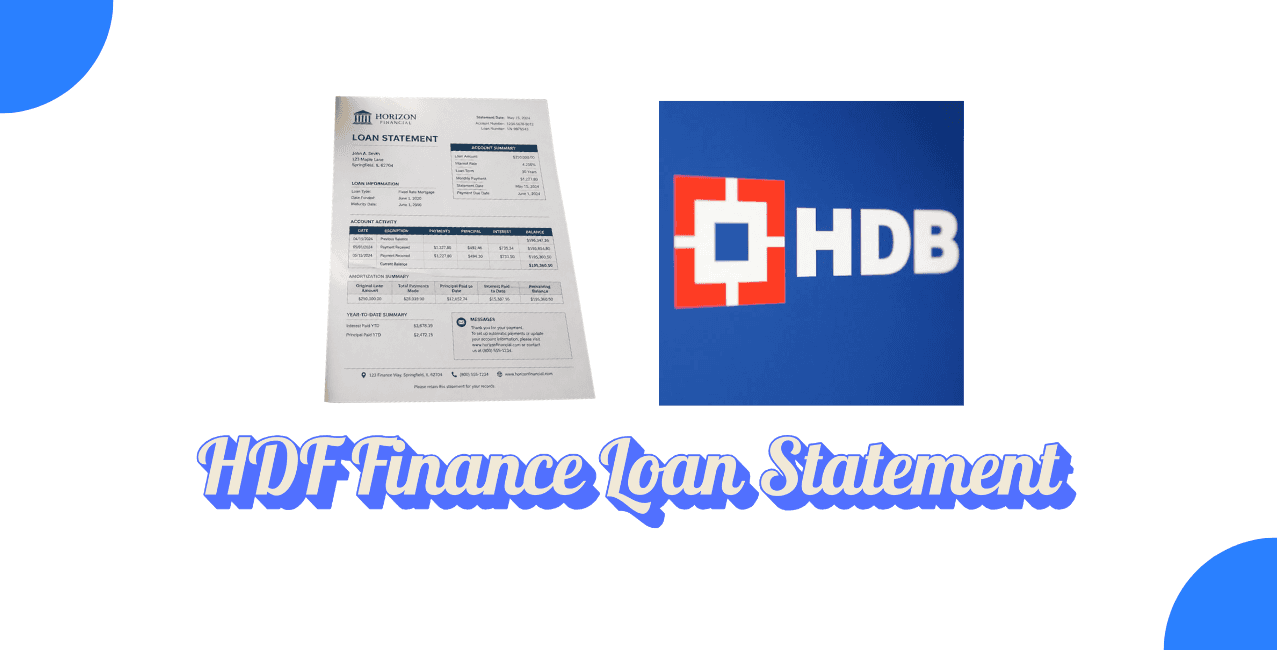
An HDB Finance loan statement shows your EMI history, outstanding balance, and repayment schedule for any loan taken from HDB Financial Services. You can access it through the HDB on the Go mobile app, the customer portal, email, or a branch visit, as confirmed on HDBFS's official website.
Anyone with a personal loan, business loan, gold loan, or any other loan from HDB Financial Services eventually needs their loan statement. Whether it's for tax filing, checking your outstanding balance, or applying for a fresh loan, this document has what you need. This guide is for HDBFS borrowers across India who want the fastest way to pull up their statement, be it through the app, the website, email, or a branch. It covers every method, what each one gives you, and what to do if your registered mobile number has changed.
An HDB Finance loan statement is a detailed record of your loan account, showing EMIs paid, EMIs pending, and your current outstanding balance.
This document covers whichever loan type you've taken, personal, business, gold, or loan against property, and reflects your repayment history since disbursal. It's the document lenders, tax authorities, or you yourself would need to confirm exactly where your loan stands at any given point. Unlike a loan status check, which only tells you if your application was approved, a statement gives you the full transaction-level detail.
You download it by logging into your account on HDBFS's official website using your registered mobile number, then verifying with your Date of Birth or PAN.
Here's the general process:
Worth noting, HDBFS's own website currently states it's rolling out a refreshed customer portal, and in the meantime directs customers toward the mobile app for most account needs.
You get it by downloading the HDB on the Go app, logging in, and opening the Loan Summary section.
Here's how that works:
Since the app currently works only for Android users, iPhone users without app access will need to rely on the website, email, or a branch visit instead.
You get it by emailing HDBFS's customer support address with your loan details, or by visiting your nearest branch and requesting it directly.
For the email route, send your request to HDBFS's customer support, mentioning your loan account number and registered details so the executive can pull up the correct statement. For a branch visit, carry valid ID proof and your loan account number, and a representative there will provide your statement on the spot. This route works particularly well if your registered mobile number has changed and you haven't updated it yet, since digital login depends on OTP verification through that number.
Each method suits a different situation, from a quick digital check to something you need updated at the source.
*T&C Apply
Take Rohit, a salaried employee in Pune who took a personal loan from HDB Financial Services 2 years ago. Ahead of his income tax filing, he needed to confirm his total interest paid for the year. He downloaded the HDB on the Go app, logged in with his registered mobile number and OTP, and pulled up his Loan Summary. It showed he'd paid ₹1,84,000 in EMIs that financial year, with ₹42,000 of that going toward interest, exactly what he needed for his tax documents.
If OTP verification fails or your mobile number has changed, visiting your nearest branch resolves this fastest, since digital login depends entirely on your registered number.
Branch staff can verify your identity through other means and either update your registered mobile number or hand you the statement directly. If you'd rather not visit in person, emailing HDBFS customer support with clear details of your loan account is the next best alternative, though it typically takes longer than an in-app download.
Getting your HDB Finance loan statement usually comes down to using the HDB on the Go app if you're on Android, or the website's My Account section if you prefer a browser, as detailed on HDBFS's official site. Email and branch visits remain solid backups, especially for closed loans or when your registered mobile number no longer matches what's on file. Since HDBFS is currently refreshing its customer portal, checking the app first saves you from any temporary website hiccups.
If you need your HDB Finance loan statement quickly, the HDB on the Go app is usually your fastest option, provided you're on Android and your registered mobile number is current. For everything else- closed loans, changed numbers, or added assurance- HDBFS's customer support or a branch visit fills the gap. Keep your registered details updated with HDBFS to avoid any delays the next time you need this document.












