By continuing, you agree to LoansJagat's Credit Report Terms of Use, Terms and Conditions, Privacy Policy, and authorize contact via Call, SMS, Email, or WhatsApp
The information published on LoansJagat is intended for general informational and educational purposes only and should not be considered financial, legal, or investment advice. Interest rates, loan terms, statistics, and other data may change over time and may vary by lender or source. Please verify the latest information and consult a qualified financial advisor or the respective Bank/NBFC before making any financial decisions.
Subscribe Now
About the author

Ananya Shrivastava
Ananya Shrivastava is a Content Writer specialising in finance-focused news, blogs, and long-form articles on Indian markets, RBI policy, personal finance, and lending. She has authored over 450 blogs and 250 news pieces, combining technical knowledge with rigorous research to simplify complex financial concepts into clear, engaging content. With a marketing-driven lens and sharp editorial judgment, she consistently achieves top Google rankings while ensuring every claim is backed by verified data.
Related Blog Post
Simplify All Your Loans Into One Affordable EMI

Customers Served

Debt Consolidated

1200+ Reviews

Locations in India
Club all Loans & Credit Card Bills into Single EMI

Quick Apply Loan
Consolidate your debts into one easy EMI.

Takes less than 2 minutes. No paperwork.

10 Lakhs+
Trusted Customers

2000 Cr+
Loans Disbursed

4.7/5
Google Reviews

50+
Banks & NBFCs Offers
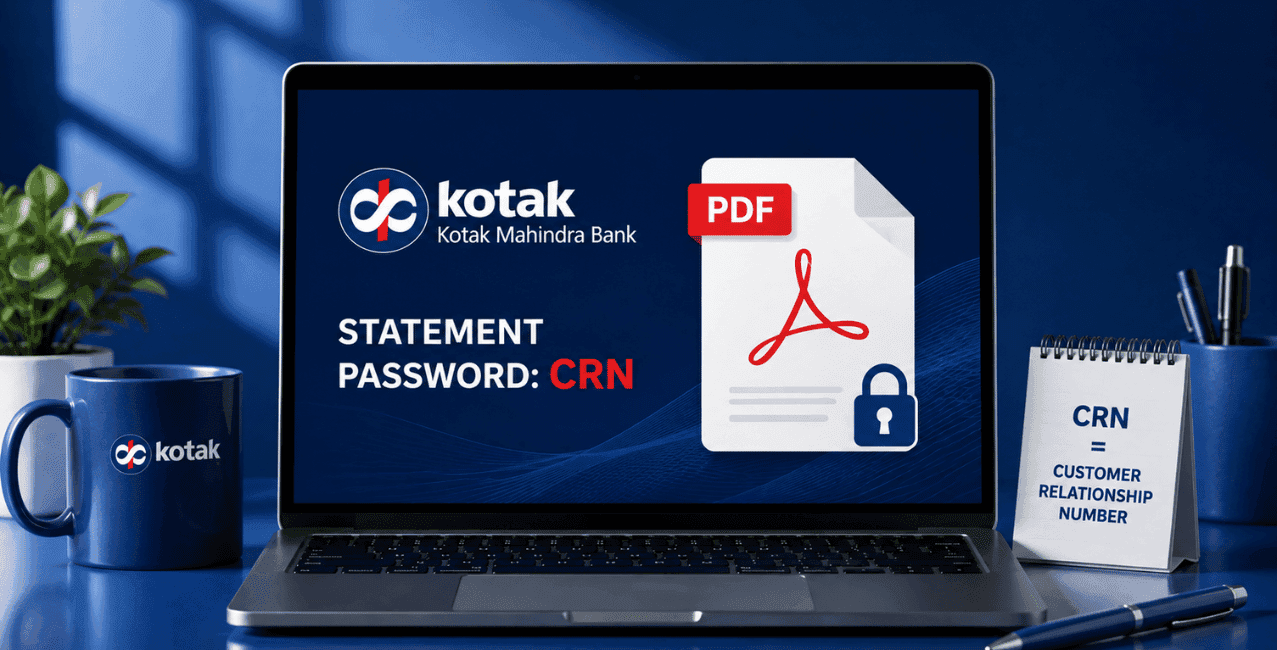
Your Kotak Mahindra Bank statement opens with your Customer Relationship Number, or CRN, as the password. Kotak Mahindra Bank's page on retrieving your CRN confirms you can get this number instantly by texting "CRN" to 9971056767 or 5676788 from your registered mobile number.
Trying to open your Kotak Mahindra Bank statement for the first time, only to hit a password protected PDF, leaves most people wondering what the Kotak Bank statement password is meant to be. This guide is for Kotak Bank customers across India who want a straight answer, along with the exact steps for requesting and downloading a statement through net banking, the mobile app, or WhatsApp.
Kotak Bank statement password is the code needed to open the password protected PDF the bank emails you, and this is your Customer Relationship Number, or CRN.
Banks lock statement PDFs with a password to keep them safe if an email ever gets forwarded or intercepted by mistake. Since your CRN belongs only to you, using it as the password means only you can actually open the file. If your statement won't open with your CRN, it's worth confirming the exact password with Kotak Mahindra Bank's customer care directly.
Text "CRN" to 9971056767 or 5676788 from your registered mobile number, and the bank sends it back right away.
Kotak Mahindra Bank's page confirms this SMS service runs around the clock, so you'll have your CRN within moments of sending the message. It's also printed on your Kotak Debit Card, and doubles as your User ID when you log into net banking.
Request it through net banking, the mobile banking app, or WhatsApp, and pick your preferred period and delivery mode along the way.
Here's what Kotak Mahindra Bank lays out for each route:
On Net Banking: Go to Banking, then Service Request, then New Service Request, and select Account Statement.
Log in with your CRN, head to the statement section, and raise a service request for the period you need.
Here's the login process, as per Kotak Mahindra Bank:
Since Google reCAPTCHA guards this login page, repeated wrong password attempts might trigger extra verification steps.
Log in with your CRN and MPIN, then head to the Statement section and select your Consolidated Statement.
Here's how, based on Kotak Mahindra Bank's guide on downloading statements:
Handy if you want to check your statement immediately without waiting for an email to land.
Register your number first, then send a simple keyword along with the last 4 digits of your account number.
Here's the process from Kotak Mahindra Bank's page:
Since this runs through the bank's confirmed official number, it's worth checking that any WhatsApp chat actually comes from 022 66006022 before sharing your account details.
*T&C Apply
An email statement generally arrives the same working day you request it. A physical copy by post takes up to 7 working days.
Kotak Mahindra Bank confirms this timeline, provided your email ID and address are correctly updated with the bank. Nothing showing up within that window? Check your registered contact details first.
Each method fits a different need: instant access or a delivered copy to your email or address.
The Kotak Bank statement password opens with your CRN, and getting the CRN requires just a few seconds by sending an SMS to 9971056767 or 5676788. If you are looking for your bank statement through WhatsApp, the app or net banking, updating your email address will ensure that you receive your statement without any delays. If the password is not working as intended, customer care at Kotak Mahindra Bank can verify the correct one for you.
Kotak Bank statement password is your Customer Relationship Number, or CRN, the code that unlocks the password protected PDF sent to your email.
Text "CRN" to 9971056767 or 5676788 from your registered mobile number, and it arrives instantly.
Register via kotak.com/wa or a missed call to 9718566655, then type "STMT" and enter the last 4 digits of your account number.
You can get your email statement on the same working day as your request.
You can get a physical statement in up to 7 working days from when you request it.
Yes, log in with your CRN and MPIN, go to Statement, and select Consolidated Statement.
Yes, log in with your CRN, go to Service Request, then New Service Request, and select Account Statement.
022 66006022 is Kotak Bank’s WhatsApp number, which sends a welcome message once you've registered.
Call Kotak Mahindra Bank's customer care to confirm the exact password for your specific account.
Yes, it's printed right on your Kotak Debit Card, and it works as your User ID for net banking too.












