By continuing, you agree to LoansJagat's Credit Report Terms of Use, Terms and Conditions, Privacy Policy, and authorize contact via Call, SMS, Email, or WhatsApp
The information published on LoansJagat is intended for general informational and educational purposes only and should not be considered financial, legal, or investment advice. Interest rates, loan terms, statistics, and other data may change over time and may vary by lender or source. Please verify the latest information and consult a qualified financial advisor or the respective Bank/NBFC before making any financial decisions.
Subscribe Now
About the author

Diwaker Sharma is a finance content specialist with expertise in banking, personal finance, credit cards, loans, fintech, and financial news. An MBA in Finance with prior experience in the banking sector, he combines industry knowledge with SEO and content strategy to produce insightful, research-backed articles. Passionate about making finance accessible, he transforms complex financial concepts into clear, engaging content that empowers readers to make smarter financial decisions with confidence.
Related Blog Post
Simplify All Your Loans Into One Affordable EMI

Customers Served

Debt Consolidated

1200+ Reviews

Locations in India
Club all Loans & Credit Card Bills into Single EMI

Quick Apply Loan
Consolidate your debts into one easy EMI.

Takes less than 2 minutes. No paperwork.

10 Lakhs+
Trusted Customers

2000 Cr+
Loans Disbursed

4.7/5
Google Reviews

50+
Banks & NBFCs Offers
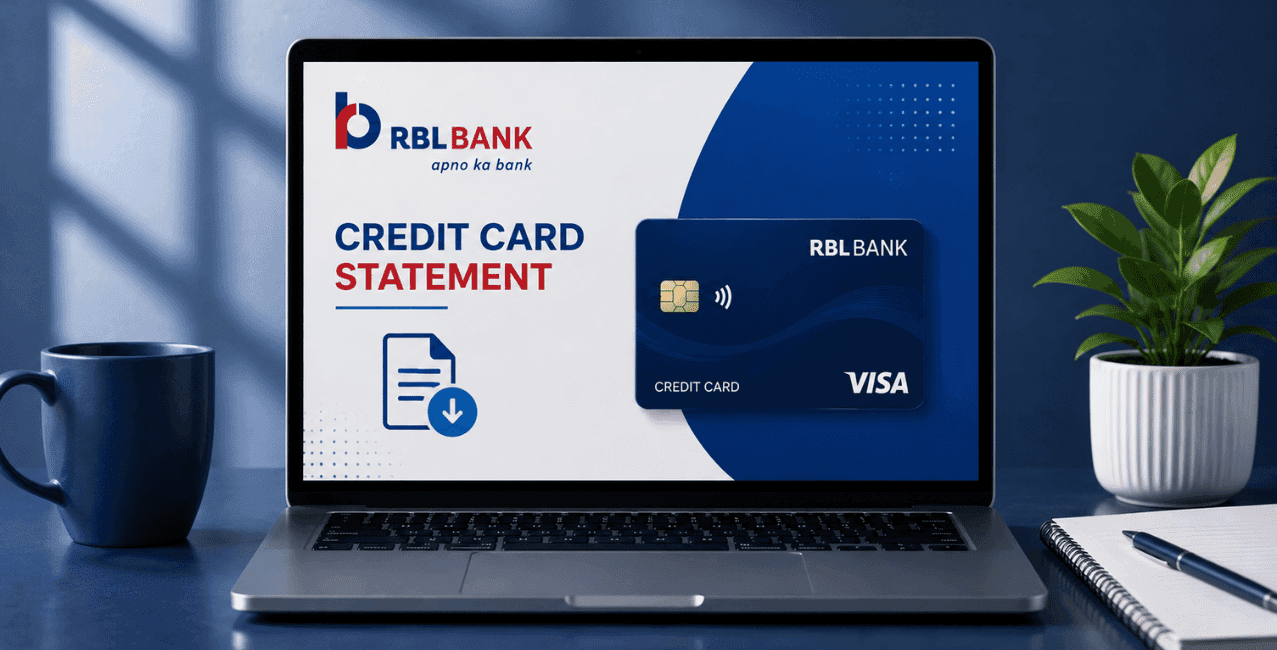
You can check and download your RBL Bank credit card statement through RBL Bank's own Internet Banking portal, the RBL MyCard app, or by messaging the bank's official WhatsApp number, 8433598888. All 3 channels let you view your recent transactions and download your statement directly.
Anyone holding an RBL Bank credit card eventually needs to check their statement, whether to track spending, confirm a payment, or dispute a charge. This guide is for RBL Bank credit cardholders across India who want a clear, accurate way to check and download their statement, covering net banking, the mobile app, WhatsApp, and what to do if something on the statement looks wrong.
An RBL Bank credit card statement is a monthly summary of your card transactions, showing every purchase, payment, and charge within a specific billing cycle.
According to RBL Bank's own page on using your card, your statement date is when all purchases from the previous period, counted from your last statement date or card issuance date, whichever comes first, get consolidated into a single statement covering all debit and credit transactions. The billing cycle is the period between 2 statement generation dates, and your payment due date is the deadline by which the outstanding amount shown must reach your card account.
You check your RBL Bank credit card statement through net banking by logging into the official portal and navigating to your linked credit card section.
Here's the process, based on RBL Bank's own Internet Banking page:
The same portal also offers a Click2Call feature, letting you request a callback from a bank representative, and a Chat facility to interact directly with a representative if you run into any issue while checking your statement.
You download your RBL Bank credit card statement through the MyCard app by logging in with your credentials and navigating to the dedicated Statements section.
According to RBL Bank's own Policy for Credit Card Issuance and Conduct, the RBL MyCard, or MyBank, app includes a range of functionalities beyond just statements, a Spends Analyzer, location based offers, bill payments, reward program access, and card controls, all within the same app. Here's how to get started:
Since the app also includes card controls, you can switch your card on or off directly within the same platform, according to RBL Bank's own MyCard app page.
Read Also : RBL Bank Credit Card Customer Care – Updated Guide to Helpline & Support
You can interact with RBL Bank's official WhatsApp channel for various credit card services by sending "Hi" to the bank's registered WhatsApp number.
According to RBL Bank's own credit card activation page, you send “Hi” to RBL Bank's WhatsApp number, 8433598888, from your registered mobile number, then select the specific option you need from the menu that appears, followed by OTP verification to authenticate the process. RBL Bank's own Credit Card Issuance Policy confirms customers can access digital services, including statement related queries, through the bank's chatbot and WhatsApp channel.
The RBL Bank credit card billing cycle is the period between 2 consecutive statement generation dates, and your payment due date follows a set number of days after your statement is generated.
Per RBL Bank's own official terms, billing statements are sent monthly, either physically or electronically, based on the mode you've chosen with the bank. Since this cycle determines both when your statement generates and when payment becomes due, knowing your specific billing date helps you plan when to check your statement and settle your bill on time.
You dispute a transaction on your RBL Bank credit card statement by emailing the bank or submitting a signed dispute form within 30 days of the statement's issuance.
According to RBL Bank's own Key Fact Statement document, the cardholder may email RBL Bank or send a signed dispute form, available on the bank's official website under the download forms section, within 30 days of the statement being issued. Reviewing your statement promptly after it arrives gives you enough time to catch and dispute any unrecognised charge within this window.
You report a lost or stolen RBL Bank credit card by calling the bank's dedicated 24x7 customer services number immediately.
According to RBL Bank's own page on using your card, you should call +91 22 6232 7777 to report a lost or stolen card, and this line runs 24 hours a day, every day. The same page also warns cardholders to never share their card number, expiry date, CVV, or OTP with anyone, stating clearly that RBL Bank or its representatives never ask for this information.
Each method suits a different situation, whether you want a detailed transaction history or a quick check on the go.
*T&C Apply
Checking and downloading your RBL Bank credit card statement comes down to picking the channel that suits your needs: net banking for a detailed, full transaction history, the MyCard app for spending insights alongside your statement, or WhatsApp for a quick, chat-based request. Keep an eye on your statement each billing cycle, and if anything looks off, act within the 30 day window to raise a dispute.