By continuing, you agree to LoansJagat's Credit Report Terms of Use, Terms and Conditions, Privacy Policy, and authorize contact via Call, SMS, Email, or WhatsApp
Disclaimer: The information published on LoansJagat is intended for general informational and educational purposes only and should not be considered financial, legal, or investment advice. Interest rates, loan terms, statistics, and other data may change over time and may vary by lender or source. Please verify the latest information and consult a qualified financial advisor or the respective Bank/NBFC before making any financial decisions.
Subscribe Now
About the author

LoansJagat Team
Contributor‘Simplify Finance for Everyone.’ This is the common goal of our team, as we try to explain any topic with relatable examples. From personal to business finance, managing EMIs to becoming debt-free, we do extensive research on each and every parameter, so you don’t have to. Scroll up and have a look at what 15+ years of experience in the BFSI sector looks like.
Related Blog Post
Simplify All Your Loans Into One Affordable EMI

Customers Served

Debt Consolidated

1200+ Reviews

Locations in India
Club all Loans & Credit Card Bills into Single EMI

Quick Apply Loan
Consolidate your debts into one easy EMI.

Takes less than 2 minutes. No paperwork.

10 Lakhs+
Trusted Customers

2000 Cr+
Loans Disbursed

4.7/5
Google Reviews

20+
Banks & NBFCs Offers
Other services mentioned in this article
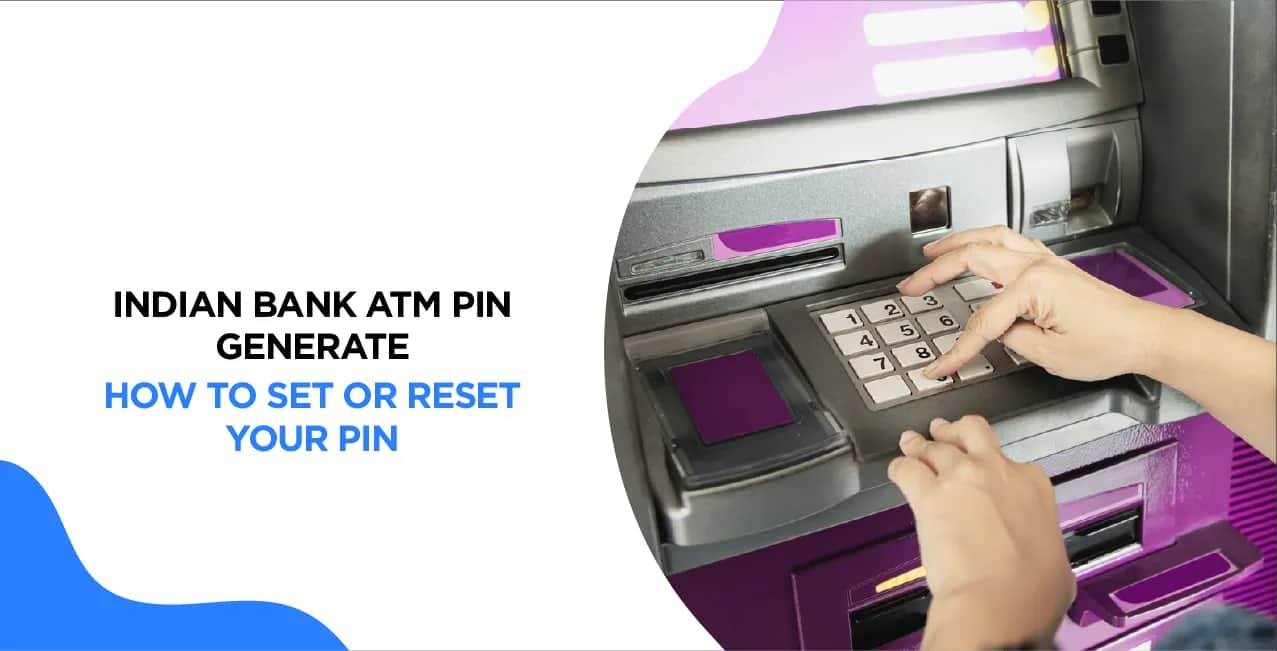
You can generate or reset your Indian Bank ATM PIN online using Internet Banking, Mobile Banking, or other official digital banking services without visiting a branch. After verifying your identity, you can create a new 4-digit PIN for your debit card and use it immediately after activation, if applicable. This process is quick, secure, and helps if you have forgotten your existing PIN or received a new debit card. Always use only Indian Bank's official banking channels to set or reset your ATM PIN and never share your PIN, OTP, or banking credentials with anyone for security reasons.
Key Takeaways:
Indian Bank merged with Allahabad Bank on April 1, 2020, as part of the Government of India's banking consolidation plan. After the merger, all Allahabad Bank customers were integrated into Indian Bank, and their banking services, including ATM PIN generation, are now handled by Indian Bank. Customers of the former Allahabad Bank can use Indian Bank’s digital and physical banking services seamlessly.
Through Internet Banking
Indian Bank provides a simple and secure way to generate or reset your ATM PIN through its Internet Banking portal. Follow these steps to generate your PIN effortlessly:
Your ATM PIN is now successfully generated, and you can use your debit card for ATM withdrawals, online transactions, and retail purchases.
Indian Bank ATM PIN Generation By Mobile: The Mobile Banking App
Note:-
Indian Bank customers can easily do Indian Bank ATM PIN generation by mobile through the IndSMART mobile banking app. Follow these simple steps to set your new PIN:
Your ATM PIN is now successfully set, and you can start using your debit card for transactions immediately.
Through SMS:
Indian Bank allows customers to generate or reset their ATM PIN through SMS Banking, making the process quick and convenient. Follow these steps:
Once completed, your ATM PIN is successfully generated, and you can use your ATM Card for transactions.
At the ATM:
1. Insert Your Debit Card
2. Select "Generate/Set PIN"
3. Enter Your Account Number
4. Confirm Account Details
5. Enter OTP (One-Time Password)
6. Set a New 4-Digit PIN
7. Receive Confirmation Slip
Ensuring the security of your ATM PIN is essential to protect your bank account from fraud. Let's understand the importance of security with an example and a detailed table of best practices.
Example: Aman’s Costly Mistake
Aman, a young professional, recently opened a savings account with the Indian Bank and received his debit card. Eager to start using it, he generated his ATM PIN using his mobile banking app. However, he made a few mistakes:
A few hours later, Aman noticed unauthorised transactions from his account. His bank account was compromised because he didn't follow basic security precautions while generating his ATM PIN.
To avoid situations like Aman’s, follow these essential security tips:
Bottom Line
Setting or resetting your Indian Bank ATM PIN online is a simple way to keep your debit card ready for secure transactions. Whether you are activating a new card or changing your existing PIN, the online process saves time while maintaining security through OTP verification. Always create a unique PIN, avoid using predictable numbers, and update it periodically to reduce the risk of unauthorized access and ensure safer banking.
How can I generate my Indian Bank ATM PIN for the first time?
You can generate your ATM PIN through an Indian Bank ATM, Internet Banking, Mobile Banking (IndSMART App), or SMS Banking.
Can I generate my ATM PIN without visiting an ATM?
Yes, you can generate your PIN using Indian Bank’s Internet Banking, Mobile Banking (IndSMART App), SMS Banking, or Customer Care services without visiting an ATM.
What should I do if I forget my ATM PIN?
If you forget your ATM PIN, you can reset it using Internet Banking, the Mobile Banking App, or an ATM by selecting the "Reset PIN" option and verifying through OTP.
Is there any charge for generating or resetting my ATM PIN?
No, Indian Bank does not charge any fee for generating or resetting your ATM PIN through official channels.
How can I ensure my ATM PIN remains secure?
Keep your PIN confidential, avoid using easy-to-guess numbers, change it regularly, and never share OTPs or PIN details with anyone, even if they claim to be from the bank.
What is the process for Indian bank new ATM card activation online?
You can activate a new Indian Bank ATM card through Internet Banking or the IND OASIS mobile app. After activation, generate your debit card PIN to start using the card.
How to generate an ATM PIN for the Indian Bank online?
Log in to Internet Banking or the mobile app, choose the debit card services option, verify using the OTP, and create a new four-digit ATM PIN.
How can I generate my debit card PIN by SMS?
Indian Bank does not generally offer debit card PIN generation through SMS. Use Internet Banking, Mobile Banking, or an Indian Bank ATM instead.
How to create an mPIN in an Indian Bank?
Open the IND OASIS app, register your account, verify with the OTP, and create a secure six-digit mPIN.
Can I change my ATM PIN via mobile?
Yes. You can change your ATM PIN through the IND OASIS mobile banking app or Internet Banking after completing authentication.
Other Bank ATM Pin Generations | ||
USS Bank ATM Pin Generation |