By continuing, you agree to LoansJagat's Credit Report Terms of Use, Terms and Conditions, Privacy Policy, and authorize contact via Call, SMS, Email, or WhatsApp
Disclaimer: The information published on LoansJagat is intended for general informational and educational purposes only and should not be considered financial, legal, or investment advice. Interest rates, loan terms, statistics, and other data may change over time and may vary by lender or source. Please verify the latest information and consult a qualified financial advisor or the respective Bank/NBFC before making any financial decisions.
Apply for Loans Fast and Hassle-Free
Subscribe Now
About the author

LoansJagat Team
‘Simplify Finance for Everyone.’ This is the common goal of our team, as we try to explain any topic with relatable examples. From personal to business finance, managing EMIs to becoming debt-free, we do extensive research on each and every parameter, so you don’t have to. Scroll up and have a look at what 15+ years of experience in the BFSI sector looks like.
Related Blog Post
Simplify All Your Loans Into One Affordable EMI

Customers Served

Debt Consolidated

1200+ Reviews

Locations in India
Club all Loans & Credit Card Bills into Single EMI

Quick Apply Loan
Consolidate your debts into one easy EMI.

Takes less than 2 minutes. No paperwork.

10 Lakhs+
Trusted Customers

2000 Cr+
Loans Disbursed

4.7/5
Google Reviews

50+
Banks & NBFCs Offers
Other services mentioned in this article
Key Insights:
Bonus Point: The RTO Bhalki office is in Lokhande Building, just across from Bheemanna Khandre Institute of Technology. It is located on State Highway 75, which connects Bhalki to nearby towns and makes travel easy for local people.
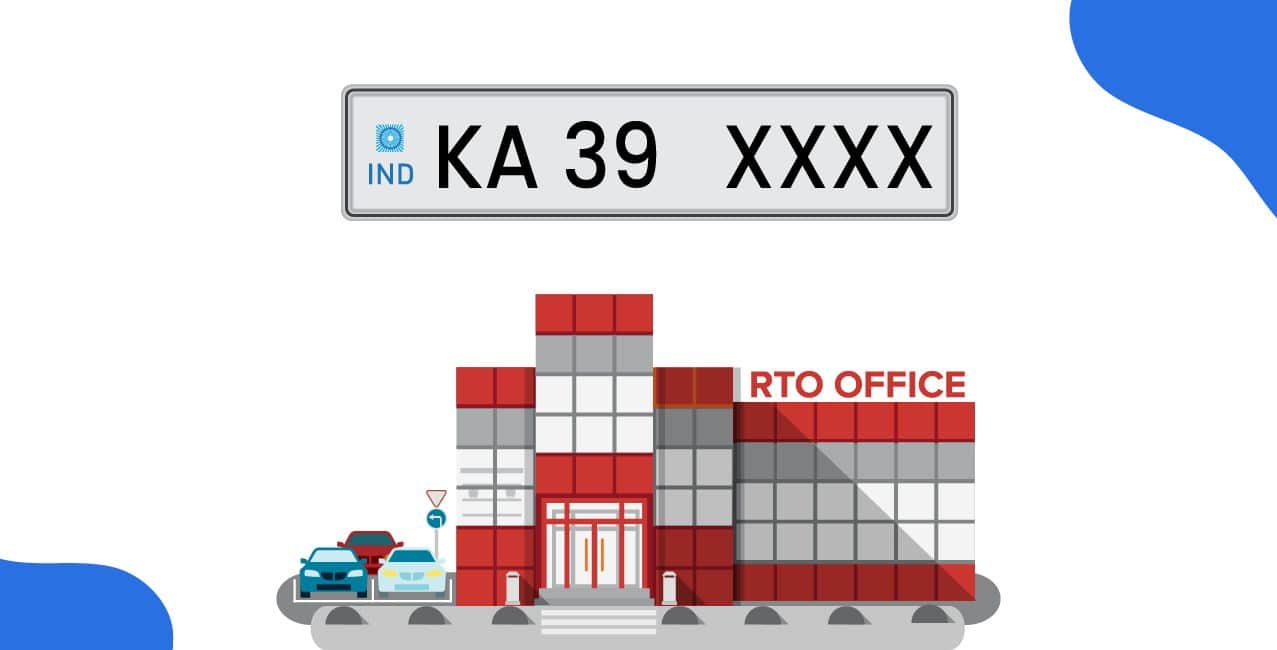
The RTO Bhalki is the Regional Transport Office that looks after vehicle and driving services in Bhalki, Karnataka. It works under the Karnataka State Transport Department. The RTO code for Bhalki is KA‑39. You can find this office near IB, Gunj Area, Bhalki, Bidar – 585328.
The office started as part of the system created under the Motor Vehicles Act, 1988, which came into effect in 1989. Since then, RTO Bhalki has been helping people with vehicle registration, licences, and road safety.
Key Features of RTO Bhalki:
In this blog, you are going to learn about RTO Bhalki, its functions, vehicle registration process, driving licence and how to pay road tax etc.
You can find the main details of RTO Bhalki in the table below. This will help you know where it is, how to contact them, and what services they offer.
This table gives you all the key info about RTO Bhalki. You can visit, call, or use their online services to get your work done.
The RTO Bhalki (KA‑39) works under the Motor Vehicles Act, 1988. It looks after road safety, vehicle records, and driver services in the region. Here are the main jobs the office handles:
RTO Bhalki makes sure vehicles follow the rules and people drive safely. If you own or drive a vehicle in Bhalki, this office will help with all legal papers and road services.
If you buy a new vehicle in Bhalki for personal or business use, you must register it at the Bhalki RTO (KA‑39) before driving it on the road. Here's how you can do it:
Steps to Register a New Vehicle at Bhalki RTO:
You can also ask your vehicle dealer to help with the registration. They often handle the process directly with the RTO. For some services, you can use the official Parivahan website to check status or get forms.
Registering your vehicle is the first step to driving legally and safely on the roads of Bhalki.

To register your new vehicle at Bhalki RTO (KA‑39), you need to carry some important documents. These help the RTO check your identity, vehicle details, and road safety rules.
Documents Needed for Vehicle Registration at Bhalki RTO:
Make sure all your documents are correct and up to date. This will help you register your vehicle quickly and legally at Bhalki RTO.
When you register your vehicle at Bhalki RTO, you pay fees based on the type of your vehicle.
*T&C Apply
These are the basic fees. You may pay more if you need extra services.
To get a driving license at Bhalki RTO, follow these steps:
For help, visit the Bhalki RTO or check the Parivahan Sarathi portal.
To pay road tax online for vehicles registered under RTO Bhalki (KA-39), follow these steps:
Please note that the online road tax payment facility may not be available for all RTOs. If you encounter any issues or the service is not activated for your RTO, it is recommended to contact the Bhalki RTO directly at 08484‑262582 or email artoblk-ka@nic.in for assistance.
If you break traffic rules in Bhalki, you must pay a fine. These fines are set by the Karnataka government and apply to everyone. Below is a list of common traffic mistakes and how much you may need to pay.
Follow traffic rules to stay safe and avoid these fines. It also helps others stay safe on the road.
RTO Bhalki (KA‑39) helps you with all important services like vehicle registration, driving licence, road tax, and safety checks. If you buy a new vehicle, want a licence, or need to pay tax, you can visit this office. You can also use online services through the Parivahan website to save time. Always follow traffic rules and keep your vehicle papers updated to stay safe and avoid fines.
1. What is the RTO code and location of RTO Bhalki?
The RTO code for Bhalki is KA‑39. The office is located near IB, Gunj Area, Bhalki, Bidar – 585328, Karnataka.
2. How can I apply for a driving licence in Bhalki?
You need to first apply for a learner’s licence either online via the Parivahan Sarathi portal or by visiting the Bhalki RTO. After 30 days, you can book a driving test. If you pass, the RTO will issue your permanent driving licence.
3. Can I pay my vehicle’s road tax online if it is registered in Bhalki?
You can try paying online through the Vahan portal, but online tax payment may not be available for all RTOs, including Bhalki. If not available, visit the RTO in person.
4. How can I check the status of my RC or licence from Bhalki RTO?
You can check the status of your vehicle RC or driving licence online at the Parivahan website. Use your application number or vehicle number for updates.