By continuing, you agree to LoansJagat's Credit Report Terms of Use, Terms and Conditions, Privacy Policy, and authorize contact via Call, SMS, Email, or WhatsApp
The information published on LoansJagat is intended for general informational and educational purposes only and should not be considered financial, legal, or investment advice. Interest rates, loan terms, statistics, and other data may change over time and may vary by lender or source. Please verify the latest information and consult a qualified financial advisor or the respective Bank/NBFC before making any financial decisions.
Subscribe Now
About the author

Diwaker Sharma is a finance content specialist with expertise in banking, personal finance, credit cards, loans, fintech, and financial news. An MBA in Finance with prior experience in the banking sector, he combines industry knowledge with SEO and content strategy to produce insightful, research-backed articles. Passionate about making finance accessible, he transforms complex financial concepts into clear, engaging content that empowers readers to make smarter financial decisions with confidence.
Related Blog Post
Simplify All Your Loans Into One Affordable EMI

Customers Served

Debt Consolidated

1200+ Reviews

Locations in India
Club all Loans & Credit Card Bills into Single EMI

Quick Apply Loan
Consolidate your debts into one easy EMI.

Takes less than 2 minutes. No paperwork.

10 Lakhs+
Trusted Customers

2000 Cr+
Loans Disbursed

4.7/5
Google Reviews

50+
Banks & NBFCs Offers
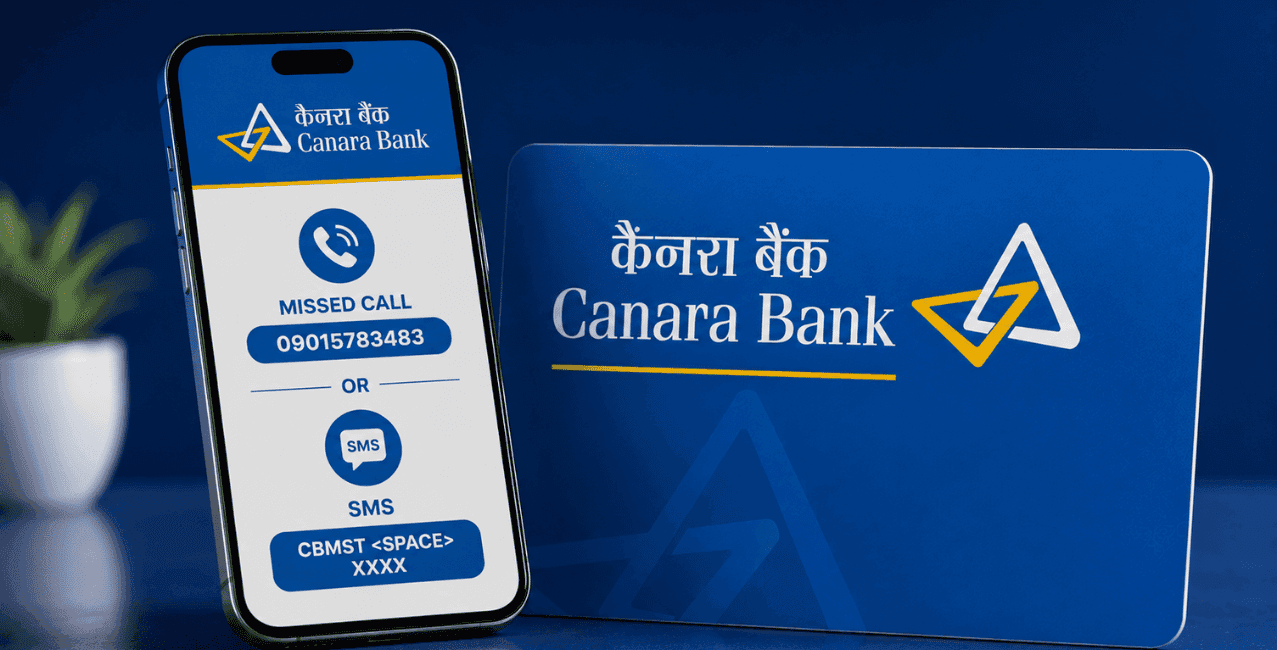
Give a missed call to 09015734734 (In English) and 09015613613 (In Hindi), Canara Bank's official contact number, and follow the instructions to get your transactions back via SMS. You can also check your mini statement through Canara Bank's official Missed Call Banking service, net banking, or the mobile app.
Got a Canara Bank savings account and want a quick look at your recent transactions, without opening an app or heading to a branch. This one's for Canara Bank customers across India who want a straightforward, accurate way to check their mini statement, covering the missed call route, SMS options, net banking, mobile banking, and ATM access, all grounded in what the bank's own official channels actually say.
A summary of your most recent transactions, typically your last 5, letting you check recent activity fast without pulling a full statement.
Unlike a complete account statement stretching across weeks or months, a mini statement gives you a quick snapshot, recent deposits, withdrawals, transfers, whatever's happened lately. Handy when you just want to confirm a payment actually went through, or glance at your account activity without wading through a longer document.
Dial the bank's official contact number from your registered mobile and follow the guided instructions.
Per Canara Bank's own official Missed Call Banking page, this service specifically covers 2 things, savings account balance checks and mini statements for your last 5 transactions, both accessible through a missed call from your registered number. Here's roughly how it goes:
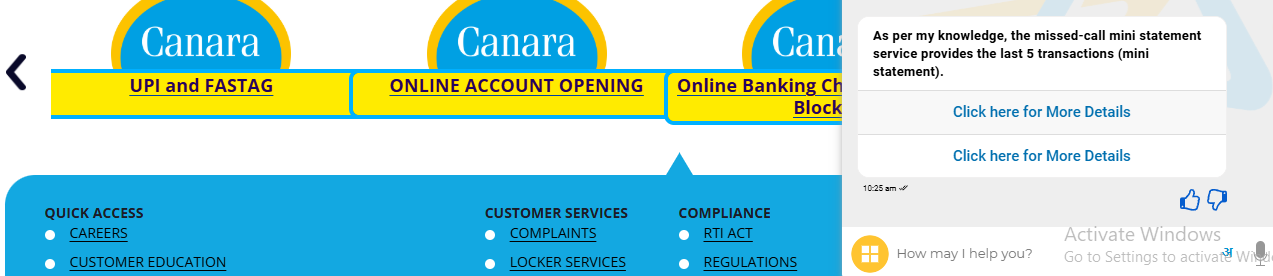
Since this entire service hinges on your registered mobile number, making sure that number's actually correct and updated with the bank matters more than anything else here.
Works well because it needs no internet and costs nothing beyond your standard call charges, meaning even a basic phone handles it just fine.
Great option if you don't have a smartphone, or your internet connection isn't reliable, since the whole thing runs on a phone call and a text message coming back. It's also fast: no logging into an app, no waiting for a page to load, just a call and a reply text.
Log in to the official portal with your customer ID and password, then head to your account statement section.
Here's the process:
This route gives you a fuller picture than a basic mini statement, since net banking usually lets you pick a specific date range instead of being stuck with just the last 5 transactions.
Log in, open My Banking, and use the Manage option under your account to select Mini Statement.
Here's how, based on Canara Bank's own Mobile Banking page:
Worth knowing, this option needs to be switched on first, through Profile, then Manage View Balance or Mini Statement, then flipping the relevant toggle, per Canara Bank's own page. The app also has an e-passbook feature, covering statements from 10 days up to a full year, and you can even set custom date ranges if you need something specific.
Insert your debit card, enter your PIN, and pick the mini statement option from the transaction menu.
Here's the process:
Works well if you're already at an ATM withdrawing cash and want a printed record of what's happened lately on your account.
*T&C Apply
Each method fits a different situation, whether you need speed, no internet, or something more detailed.
Checking your Canara Bank mini statement really just comes down to picking whichever method suits your situation, missed call banking through 09015734734 (In English) and 09015613613 (In Hindi) works great when you're offline or stuck with a basic phone, while net banking and the mobile app give you a fuller picture when you've got internet handy.












