HDFC Bank Mobile Number Change: Step-by-Step Process
Check Your Loan Eligibility Now
By continuing, you agree to LoansJagat's Credit Report Terms of Use, Terms and Conditions, Privacy Policy, and authorize contact via Call, SMS, Email, or WhatsApp
Key Takeaways
- With the simple steps on the website/app of HDFC Bank, the HDFC Bank mobile number change process becomes quick.
- You can carry out the HDFC Bank mobile number change online by logging into NetBanking or via InstaServices. You need not require visiting a branch.
- If you no longer have access to the old number, then the standard route with OTP may not work. You’ll have to resort to the form/branch route (i.e., how to change mobile number in HDFC Bank without OTP).
Bonus tip: If you don’t have access to your old number, you can still update your number with HDFC Bank. Just download the “Change Contact Details/Update Mobile Number” form from their website. Fill and submit it at any branch along with a valid ID.
Meet Dheeraj, an IT professional from Pune who realised his old mobile number (registered with HDFC Bank) had gone AWOL. He entered panic mode, thinking about the fact that his SMS alerts, NetBanking security, and OTP flows were all at risk. So Dheeraj decided to debug his situation of how to change his mobile number in HDFC Bank without OTP. In true DevOps spirit, he activated his “Sudo chmod 777 newNumber” and initiated the HDFC Bank mobile number change process. He first logged into HDFC’s InstaServices from his laptop, and submitted the request.
Updating your mobile number at HDFC Bank doesn’t have to feel like a 500-line error log. This situation may arise when you switch SIMs, lose your device, or simply get a new “work number” at your job. The HDFC Bank mobile number change process is manageable. The only thing you need to ensure is that your new number is Aadhaar-linked (if required). And your account’s authentication stack should stay intact.
Dheeraj from Pune said, “The process of HDFC Bank Mobile Number Change was very simple. I just typed in my NetBanking credentials, found the “Update Mobile Number” menu, and then changed it to my new 10-digit Pune number. Then, I entered the OTP, and got a confirmation SMS within minutes.”
Methods to Change Mobile Number in HDFC Bank
Here’s a quick DevOps-style cheat-sheet for the HDFC Bank mobile number change online and offline methods:
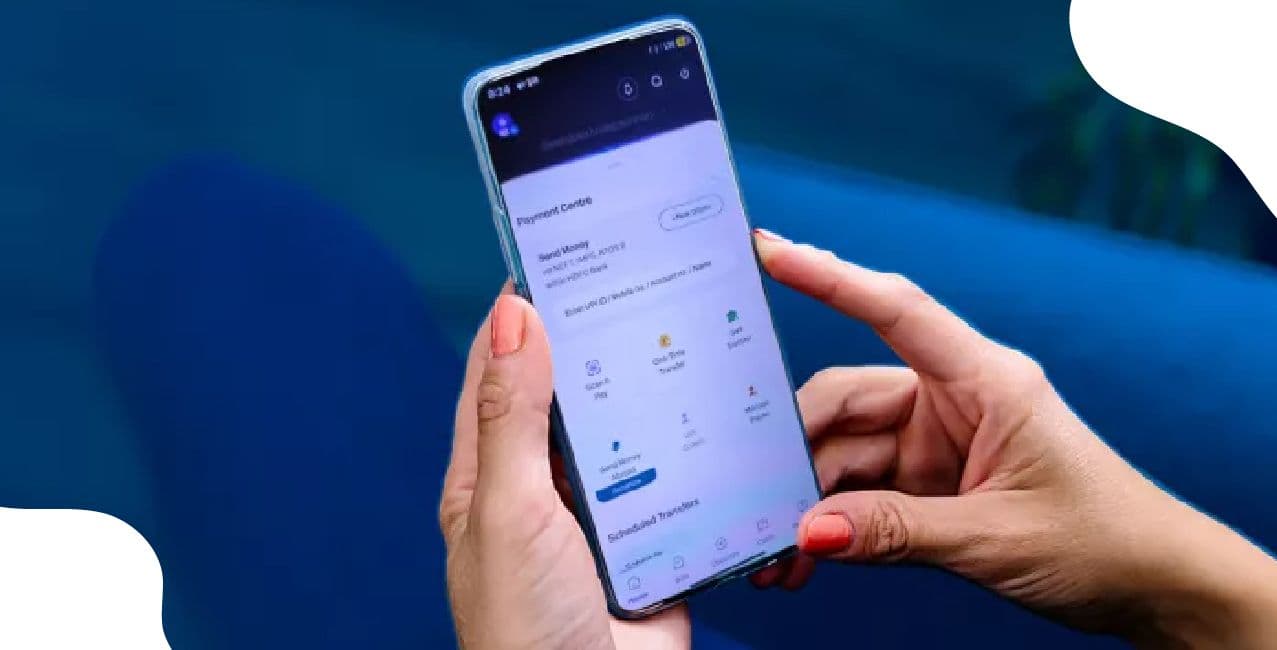
Dheeraj followed the online route to complete his HDFC Bank mobile number change process through the InstaServices application.
Required Documents to Change Mobile Number in HDFC Bank
Here’s what you’ll likely need:
- Aadhaar-linked (or new) mobile number in the new SIM.
- Valid photo ID proof and bank account details (for the offline route).
- Debit card/NetBanking credentials (for online route).
Dheeraj kept these documents ready, so he could complete the HDFC mobile number change process effortlessly.
Step-by-Step Guide for HDFC Bank Mobile Number Change
Let’s follow Dheeraj’s “code-review” approach to the process of HDFC Bank mobile number change online:
- Log in to your HDFC NetBanking or go to the InstaServices portal. You’ll find “Update Mobile Number”.
- Confirm that you meet the conditions, which are that you are a resident Indian. You should have an active savings/current account, and your current number is linked to your Aadhaar card. This is important if your old number is not accessible.
- Enter the new 10-digit mobile number. Ensure that the SIM is active and you can receive OTPs.
- Verify via OTP. The old number and/or new number as required will receive the OTP. This is the tricky part if you don’t have your old number. Many times, the OTP sent to your old number is a mandatory step.
- Submit and you’ll get confirmation via SMS/email once the new number is activated (usually within 24 hours).
- If the online route fails (e.g., your old number is lost), download/print the “Change of Contact Details” form. Download the mobile number change form PDF from the HDFC Bank website, fill it, and attach your ID proof. Then you can submit it at the branch.
You can follow these steps to get your HDFC mobile number changed.
Conclusion
So there you have it, Dheeraj’s heroic “financial bug fix” moment, when he swapped out his old lost number and debugged the HDFC Bank mobile number change in under an hour. Whether you’re an IT pro in Pune like him or just someone whose SIM went MIA, the process is manageable. Just remember, if you still have your old number, the online route is slick; if not, prepare for the branch and form sagas (think of it as the “offline maintenance window”). Once your last OTP lands and the SMS “Your mobile number is now updated” pops in, your alerts stream will be safer than ever. Now go forth, update that number, and let the banking logs (alerts) hit your new SIM instead of the ghost one.
FAQs Related to HDFC Bank Mobile Number Change
How do I change my mobile number in my HDFC Bank account when I lost the old number?
If you don’t have access to the old number (for OTP), your safest path is to visit the branch and fill out the form. The online system expects OTPs on the old number.
How do I change a registered mobile number in HDFC bank?
The easiest way to change your registered mobile number would be via HDFC bank ATM. HDFC Bank suggested users to make the changes in the ATM and get it updated. It will take a maximum 2 business days to reflect the changes.
How much time will it take to change my registered mobile number in HDFC?
If you do it through the ATM, then it will take 1 working day, else 5-7 working days by visiting the Branch in which you hold the account.
I changed my mobile number for my HDFC credit card, but got stuck because the old number is inactive. What to do?
Users were able to initiate online, but some form/branch work was still needed when the old number was inaccessible.
How to change mobile number in HDFC Bank without OTP?
If you do not have the old number (so you cannot receive OTP on it), you must take the offline route: go to the branch, submit the mobile number change form (PDF) along with ID proof, and request the bank to update your number. The fully online OTP-based path will likely fail without the old number.
How long does the HDFC Bank mobile number change take?
According to sources, the update typically completes within 24 hours for online requests.
Does HDFC really update mobile numbers instantly after online submission?
Yes, users report updates within 24 hours if both old and new numbers receive OTPs successfully.
Can I change my mobile number in HDFC Bank without visiting the branch?
Yes, if you have access to the old number, you can complete the process through NetBanking or the InstaService portal.
Is Aadhaar mandatory for HDFC mobile number change?
It’s not mandatory unless you’re using the Aadhaar-linked e-KYC route or have lost your old registered number.
Can I change my mobile number in HDFC Bank through an ATM?
Yes, select ATMs allow mobile number updates by verifying via OTP and debit card authentication.
Can joint account holders update their mobile numbers separately in HDFC Bank?
Yes, each account holder can register or change their own mobile number individually.
Other Related Pages | ||

About the author

LoansJagat Team
Contributor‘Simplify Finance for Everyone.’ This is the common goal of our team, as we try to explain any topic with relatable examples. From personal to business finance, managing EMIs to becoming debt-free, we do extensive research on each and every parameter, so you don’t have to. Scroll up and have a look at what 15+ years of experience in the BFSI sector looks like.
Subscribe Now
Related Blog Post








India's #1 Loan Consolidation Platform
Simplify All Your Loans Into One Affordable EMI

10 Lac
Customers Served

₹2000 Cr+
Debt Consolidated

4.7★
1200+ Reviews

10,000+
Locations in India
Club all Loans & Credit Card Bills into Single EMI

Quick Apply Loan
Consolidate your debts into one easy EMI.

Takes less than 2 minutes. No paperwork.

10 Lakhs+
Trusted Customers

2000 Cr+
Loans Disbursed

4.7/5
Google Reviews

20+
Banks & NBFCs Offers
Other services mentioned in this article


