By continuing, you agree to LoansJagat's Credit Report Terms of Use, Terms and Conditions, Privacy Policy, and authorize contact via Call, SMS, Email, or WhatsApp
Disclaimer: The information published on LoansJagat is intended for general informational and educational purposes only and should not be considered financial, legal, or investment advice. Interest rates, loan terms, statistics, and other data may change over time and may vary by lender or source. Please verify the latest information and consult a qualified financial advisor or the respective Bank/NBFC before making any financial decisions.
Apply for Loans Fast and Hassle-Free
Subscribe Now
About the author

LoansJagat Team
‘Simplify Finance for Everyone.’ This is the common goal of our team, as we try to explain any topic with relatable examples. From personal to business finance, managing EMIs to becoming debt-free, we do extensive research on each and every parameter, so you don’t have to. Scroll up and have a look at what 15+ years of experience in the BFSI sector looks like.
Related Blog Post
Simplify All Your Loans Into One Affordable EMI

Customers Served

Debt Consolidated

1200+ Reviews

Locations in India
Club all Loans & Credit Card Bills into Single EMI

Quick Apply Loan
Consolidate your debts into one easy EMI.

Takes less than 2 minutes. No paperwork.

10 Lakhs+
Trusted Customers

2000 Cr+
Loans Disbursed

4.7/5
Google Reviews

50+
Banks & NBFCs Offers
Other services mentioned in this article
Key Takeaways
Bonus Point: M. Nagaraju, Secretary of the Department of Financial Services, said that biometric and face authentication may soon be used to approve UPI transactions. This will make digital payments easier, especially for people who do not have debit cards or prefer not to enter a PIN.
Want to set a UPI PIN but don’t have a debit card? No worries, Aadhaar verification makes it easy and quick. In this guide, you’ll learn how it works and how you can start using UPI safely in minutes.
A UPI PIN is a 4 or 6-digit security code used to approve payments. It works like a lock on your digital wallet, and only you have the key. Without this PIN, no one can send money from your account.
Ravi wants to use Paytm but has no debit card. He uses Aadhaar verification, enters the OTP sent to his mobile, and creates a 6-digit UPI PIN. After that, he can send money, pay bills, and shop online safely.
A UPI PIN is a simple 4 or 6-digit code for safe payments online. It works like a password for apps like Paytm and Google Pay in India today. You enter this PIN to send money or pay bills without typing bank details again. This makes payments quick and secure, and only you can approve every transaction easily yourself.
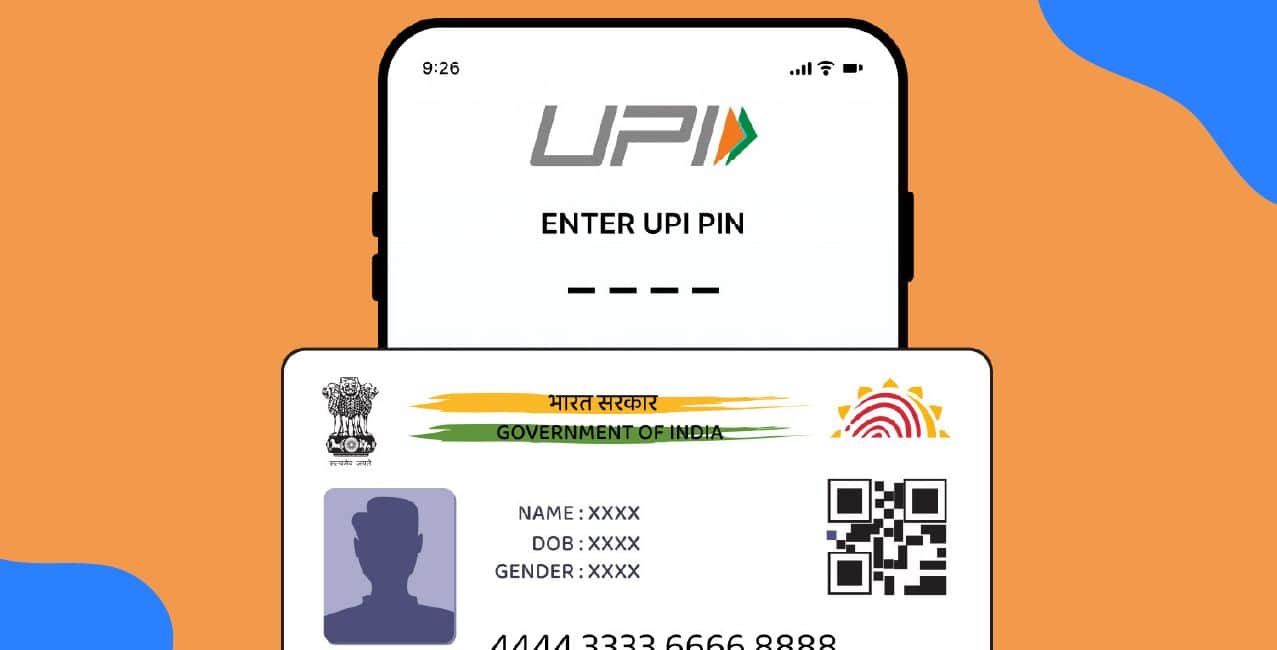
You can set a UPI PIN without a debit card using Aadhaar verification. Your Aadhaar must be linked to your bank account. The same mobile number should be registered with both. Apps like Paytm, PhonePe, or Google Pay send an OTP to set the PIN. Enter the OTP to confirm and create your new UPI PIN safely.
You can set a UPI PIN without a debit card by using Aadhaar verification in UPI apps.
Steps to set UPI PIN via Aadhaar:
Step 1: Open Paytm, PhonePe, or Google Pay and go to Add Bank Account.
Step 2: Select your bank and choose the Aadhaar-based verification option.
Step 3: Enter the first six digits of your Aadhaar number.
Step 4: Enter the Aadhaar OTP sent to your registered mobile number.
Step 5: Enter the bank OTP sent by your bank.
Step 6: Create and confirm your 4 or 6-digit UPI PIN.
Read More - How to Change UPI PIN?
Common UPI PIN Setup Problems and Solutions
Many users face UPI PIN setup issues due to SIM, network, or bank-related problems, but most can be fixed easily.
Problems and solutions:
By checking these points, you can fix most UPI PIN setup problems and complete your transactions smoothly.
Safety Tips While Setting UPI PIN
Using a strong UPI PIN and following safety tips helps protect your money from fraud and unauthorised access.
*T&C Apply
These simple tips will help keep your UPI account safe and protect your money at all times.
You can set a UPI PIN without a debit card if your Aadhaar and mobile number are linked to your bank account. Use OTP verification in your UPI app to create the PIN in a few simple steps. Always choose a strong PIN and keep it private. Follow basic safety tips to use UPI confidently for daily payments.
FAQ
Q1: Can I reset my UPI PIN without a debit card?
Yes, you can reset it using Aadhaar OTP if your Aadhaar and mobile number are linked to your bank.
Q2: Can I set a UPI PIN in PhonePe without a debit card?
No, PhonePe needs debit card details for first-time bank verification, so you must order a debit card from your bank.
Q3: Can I add a bank account to UPI without a debit card?
Yes, some banks and apps allow linking with mobile OTP verification, but others may still ask for debit card details.
Q4: What can I do if I lost my debit card and the UPI PIN reset asks for card details?
You must request a replacement debit card from your bank or reset the PIN using Aadhaar if your bank and app support Aadhaar-based verification.
Q5: Can I use SBI net banking without a debit card and keep my account active with rare transactions?
Yes, SBI allows net banking without a debit card, and any transaction (even once in two years) can help keep your account active, though banks may have separate inactivity rules.