Check AI Loan Optimisation Plans to Reduce Your EMI

Disclaimer: The information published on LoansJagat is intended for general informational and educational purposes only and should not be considered financial, legal, or investment advice. Interest rates, loan terms, statistics, and other data may change over time and may vary by lender or source. Please verify the latest information and consult a qualified financial advisor or the respective Bank/NBFC before making any financial decisions.
Subscribe Now
About the author
Diwaker Sharma is a finance content specialist with expertise in banking, personal finance, credit cards, loans, fintech, and financial news. An MBA in Finance with prior experience in the banking sector, he combines industry knowledge with SEO and content strategy to produce insightful, research-backed articles. Passionate about making finance accessible, he transforms complex financial concepts into clear, engaging content that empowers readers to make smarter financial decisions with confidence.
Related Blog Post
Simplify All Your Loans Into One Affordable EMI

Customers Served

Debt Consolidated

1200+ Reviews

Locations in India
Club all Loans & Credit Card Bills into Single EMI

Quick Apply Loan
Consolidate your debts into one easy EMI.

Takes less than 2 minutes. No paperwork.

10 Lakhs+
Trusted Customers

2000 Cr+
Loans Disbursed

4.7/5
Google Reviews

50+
Banks & NBFCs Offers
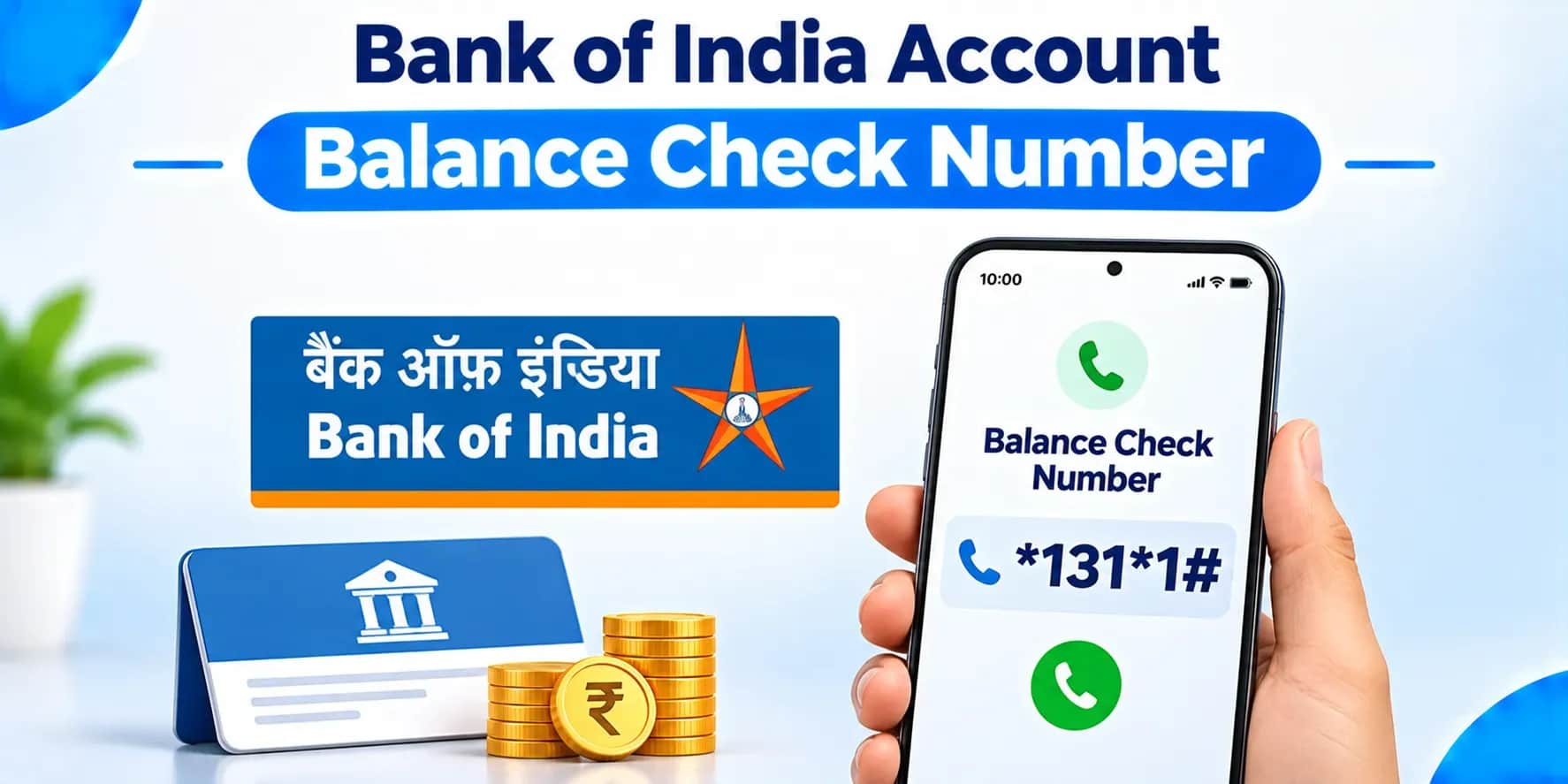
Check your Bank of India balance through the BOI Mobile app, where Account Status gives you balance enquiry, transactional view, and statement of accounts, all in one place. Need help confirming a specific balance check number? Call Bank of India's own customer care line, 1800 103 1906, toll-free, straight off the bank's official site.
Key Takeaways
Have a Bank of India account, and eventually you'll want a fast, reliable way to check your balance without opening an app or making a trip to the branch. This one's for Bank of India customers across India who want accurate, verified information straight from the bank's own official channels, plus what to do if you need to confirm a specific number directly.
1800 103 1906, a toll-free line confirmed right on the bank's own website.
Per Bank of India's own official page, this number shows up consistently across the site as the bank's customer care contact. The bank's own customer care page confirms the same number handles debit card and ATM card enquiries too, along with general support, and BOI.Callcentre@bankofindia.bank.in is the email address listed alongside it.
Log into the app, head to Account Status, and you've got balance enquiry, transactional view, and full statement access right there.
Per Bank of India's own privacy policy page, BOI Mobile Core Banking Services reach customers through their phones, Mobile Banking and SMS Banking working together. Account Status specifically covers:
Worth knowing, the same official page notes these facilities roll out in a phased manner at the bank's own discretion, so checking directly within the app for what's currently available to you is genuinely the most accurate approach.
Email BOIMobileSupport@bankofindia.co.in, or call +91 22 4091 9191, if you're stuck on transaction rights or a login issue.
Per Bank of India's own app support page, having trouble enabling transaction rights? Head to Profile, then Security & Privacy, then Manage Transaction Rights within the app first. Still stuck? Share your Customer ID and registered mobile number through that support email or phone line, and you'll get direct help sorting it out.
Dedicated toll-free numbers exist for debit card hotlisting, credit card enquiries, and RTGS, NEFT, IMPS, and UPI queries, each routed straight to the right department.
Per Bank of India's own customer care page:
Never hand over your user ID, password, card details, or ATM PIN to anyone claiming to call from Bank of India, the bank's own site is clear it never asks for this stuff over a call or email.
Per Bank of India's own Safe Banking page, any email or call asking for your user ID, password, card details, or ATM PIN is a phishing or vishing attempt, plain and simple. The bank states outright it will never seek these details for any reason. Same page also recommends registering your mobile number for SMS alerts, and reporting any unauthorised card transaction to the bank the moment you spot it.
Give a missed call from your registered mobile number to 9811255430 or 9811255450, and Bank of India sends your balance back by SMS.
Per Bank of India's own official announcement, the old missed call number, 9266135135, is no longer in use, so any guide, app, or website still listing it is out of date. Here's how the process works:
Since several third-party websites still cite the old numbers, sticking to the figures Bank of India itself has announced avoids sending you to a number that no longer works.
Knowing which number to actually dial saves you from bouncing between departments unnecessarily.
Picture a Bank of India customer who wants to confirm their balance right before making a large payment. They open the BOI Mobile app, check Account Status, and per Bank of India's own privacy policy page, balance enquiry and transactional view are right there waiting. Hit a login snag partway through? They email BOIMobileSupport@bankofindia.co.in with their Customer ID, exactly as the bank's own app support page recommends, and get back in without much fuss.
Checking your Bank of India balance really comes down to the BOI Mobile app for quick, on-demand Account Status access, with the toll-free customer care line, 1800 103 1906, as your backup for anything the app can't handle. Keep your Customer ID and registered mobile number ready for app support, and remember what the bank itself says clearly, never hand over your user ID, password, or PIN to anyone calling or emailing claiming to be from the bank. Confirming your specific balance check method directly through the app or official customer care line stays the safest bet.
1800 103 1906, toll-free, straight off Bank of India's own official site.
Log in and head to Account Status, balance enquiry, transactional view, and statement access, all sitting there.
BOIMobileSupport@bankofindia.co.in, confirmed on the bank's own app support page.
1800 425 1112, toll-free, plus chargeable landline options listed on the bank's own customer care page.
1800 220 088, toll-free, confirmed right on the bank's own customer care page.
No, never, the bank states this plainly, and any such request is a phishing attempt straight up.
Try Profile, then Security & Privacy, then Manage Transaction Rights first, or reach out to BOIMobileSupport@bankofindia.co.in if that doesn't fix it.
Rtgs.boi@bankofindia.bank.in for RTGS, Boi.neft@bankofindia.bank.in for NEFT, both on the bank's official customer care page.
Yes, the bank's own Safe Banking guidance says report any unauthorised card transaction immediately to limit further fraud.
Right through the BOI Mobile app, or by calling the toll-free customer care line, 1800 103 1906.
Start your journey today
Apply Now*T&C apply