By continuing, you agree to LoansJagat's Credit Report Terms of Use, Terms and Conditions, Privacy Policy, and authorize contact via Call, SMS, Email, or WhatsApp
Disclaimer: The information published on LoansJagat is intended for general informational and educational purposes only and should not be considered financial, legal, or investment advice. Interest rates, loan terms, statistics, and other data may change over time and may vary by lender or source. Please verify the latest information and consult a qualified financial advisor or the respective Bank/NBFC before making any financial decisions.
Subscribe Now
About the author

Vidhi Chauhan
Vidhi Chauhan is a copywriter and content writer with extensive experience creating high-quality, SEO-driven content across multiple industries, with a strong focus on fintech. She has written extensively on GST, banking, personal loans, business loans, credit cards, income tax, insurance, and other financial topics, helping Indian readers understand complex concepts through clear, accurate, and engaging content.
Related Blog Post
Simplify All Your Loans Into One Affordable EMI

Customers Served

Debt Consolidated

1200+ Reviews

Locations in India
Club all Loans & Credit Card Bills into Single EMI

Quick Apply Loan
Consolidate your debts into one easy EMI.

Takes less than 2 minutes. No paperwork.

10 Lakhs+
Trusted Customers

2000 Cr+
Loans Disbursed

4.7/5
Google Reviews

50+
Banks & NBFCs Offers
Other services mentioned in this article
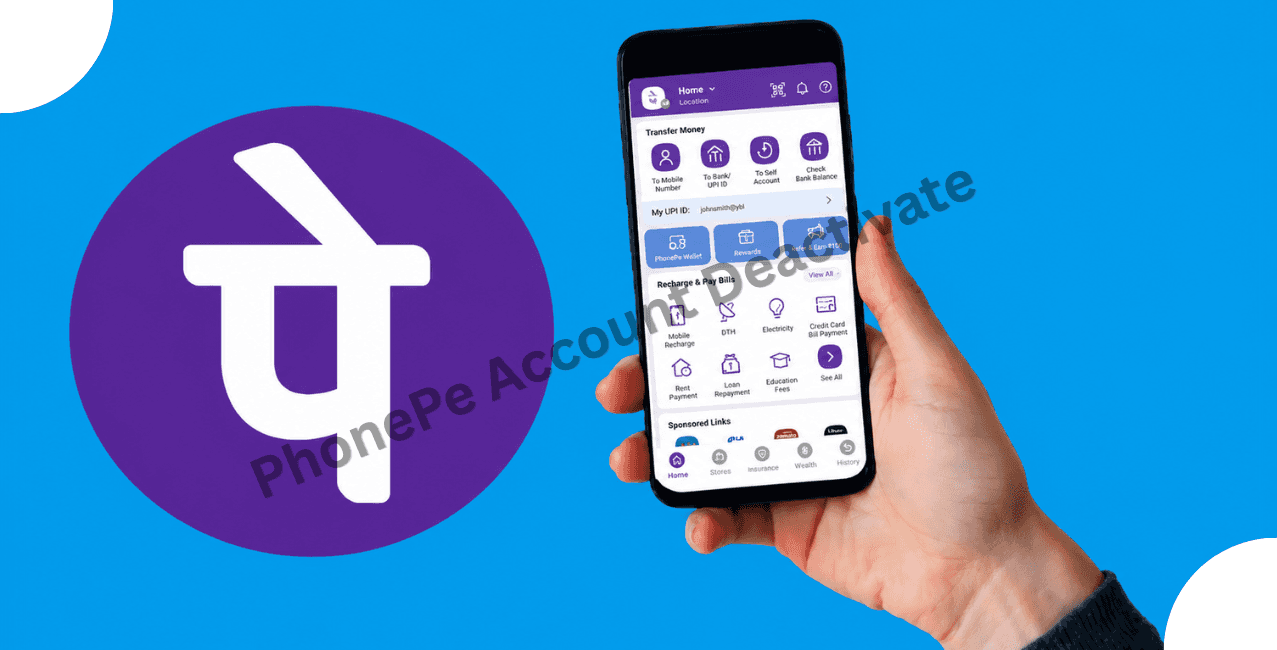
Account deactivation can be done using the account deactivation procedure available on the PhonePe application or via PhonePe Customer Support. It should be made clear that account deactivation is not the same as the uninstallation of the PhonePe application. Whereas uninstallation of the PhonePe app will just delete it from your phone, account deactivation means closing your account. As a result, certain procedures need to be taken care of before you actually deactivate your account. They include completing all pending payments, revoking all active AutoPay mandates, resolving all refund and dispute issues, and saving all transaction data. The proper knowledge about the procedure can help you deactivate your account without facing any payment-related difficulties.
Key Takeaways
Also Read: How to Stop Autopay in PhonePe
There may be a variety of reasons why you consider deactivating your PhonePe account. It could be because you no longer use the application, or have switched to some other UPI application for making digital payments. Some users may choose to close down their PhonePe accounts due to privacy and security concerns. Managing multiple PhonePe accounts or the desire to minimise the number of unused digital payment accounts may also be a reason.
Uninstallation and deactivation are not the same for your PhonePe account. While the former only means that you uninstall the application from your device, the latter is more like closing down your account. Before moving forward with the process, please make sure that your account details are up-to-date and all pending transactions and balances are sorted out. PhonePe provides an option to request account deletion through the Help section, and the available deactivation options may include permanent account closure.
There are certain checks you must do before deactivating the PhonePe account, which will help you ensure a smooth process and avoid any payment problems in the future.
Deactivating your account may affect payments, subscriptions, or other transactions. So it is advisable to check all the services that you are using. It is necessary to ensure that your mobile number is active till the deactivation process is completed.
If you want to stop using PhonePe, you can request account deactivation through the app. Before doing so, complete transactions, cancel AutoPay mandates, and resolve all refunds or disputes.
Here are the steps for requesting the deactivation or closure of your PhonePe account:
*T&C Apply
After processing your request, your account on PhonePe will not be available for making transactions. Before deactivating your account, make sure to download transaction data and plan other ways to make payments.
In case you are unable to deactivate your account via the app, contact the PhonePe Customer Support and follow these simple steps:
Deactivation of your PhonePe account is quite simple as long as you do it right. However, before you deactivate your account, it is important to settle all pending transactions, cancel AutoPay mandates, and save any necessary transaction details. Deactivation of your PhonePe account can be requested through the app or via PhonePe Customer Support.
No, you may not be able to log in to your PhonePe account after it has been deactivated. If you need to access PhonePe services again, contact PhonePe Support for the applicable reactivation process.
In case your mobile is lost, then you may contact PhonePe Customer Support at 80-68727374 or 022-68727374 to report the loss of your mobile and freeze your account temporarily. You will be able to activate your account again later by following the process of PhonePe.
No, deactivating your PhonePe account will not automatically delete your data. Your transaction records could continue to be retained by PhonePe and the respective financial institutions as per the prevailing laws.
Access the PhonePe app and navigate to Profile Icon > Bank Accounts. Choose the particular bank account that you wish to unlink and click on Unlink Bank Account.
The process of requesting to deactivate your PhonePe account generally takes just a few minutes. The time required to process an account closure request may vary; follow the status or instructions provided by PhonePe Support.
You may not be able to delete transaction history directly from the PhonePe app. PhonePe may retain transaction information where required by applicable laws.
You may not be able to delete transaction history from the PhonePe app. PhonePe and relevant financial entities may retain transaction information as required by applicable laws.
After your PhonePe account is deactivated, your access to PhonePe's UPI and other services may be restricted. After account deactivation, you may lose access to your PhonePe account and transaction history through the app. Contact PhonePe Support if you need information about restoring access.
No, the PhonePe app does not permit you to conceal or hide any specific transaction from your transaction history permanently.
No, it is not usually possible to delete the transaction history of bank accounts or UPI apps such as PhonePe. Financial entities keep the transaction records for regulatory purposes and security reasons.