By continuing, you agree to LoansJagat's Credit Report Terms of Use, Terms and Conditions, Privacy Policy, and authorize contact via Call, SMS, Email, or WhatsApp
Disclaimer: The information published on LoansJagat is intended for general informational and educational purposes only and should not be considered financial, legal, or investment advice. Interest rates, loan terms, statistics, and other data may change over time and may vary by lender or source. Please verify the latest information and consult a qualified financial advisor or the respective Bank/NBFC before making any financial decisions.
Subscribe Now
About the author

Vidhi Chauhan
Vidhi Chauhan is a copywriter and content writer with extensive experience creating high-quality, SEO-driven content across multiple industries, with a strong focus on fintech. She has written extensively on GST, banking, personal loans, business loans, credit cards, income tax, insurance, and other financial topics, helping Indian readers understand complex concepts through clear, accurate, and engaging content.
Related Blog Post
Simplify All Your Loans Into One Affordable EMI

Customers Served

Debt Consolidated

1200+ Reviews

Locations in India
Club all Loans & Credit Card Bills into Single EMI

Quick Apply Loan
Consolidate your debts into one easy EMI.

Takes less than 2 minutes. No paperwork.

10 Lakhs+
Trusted Customers

2000 Cr+
Loans Disbursed

4.7/5
Google Reviews

50+
Banks & NBFCs Offers
Other services mentioned in this article
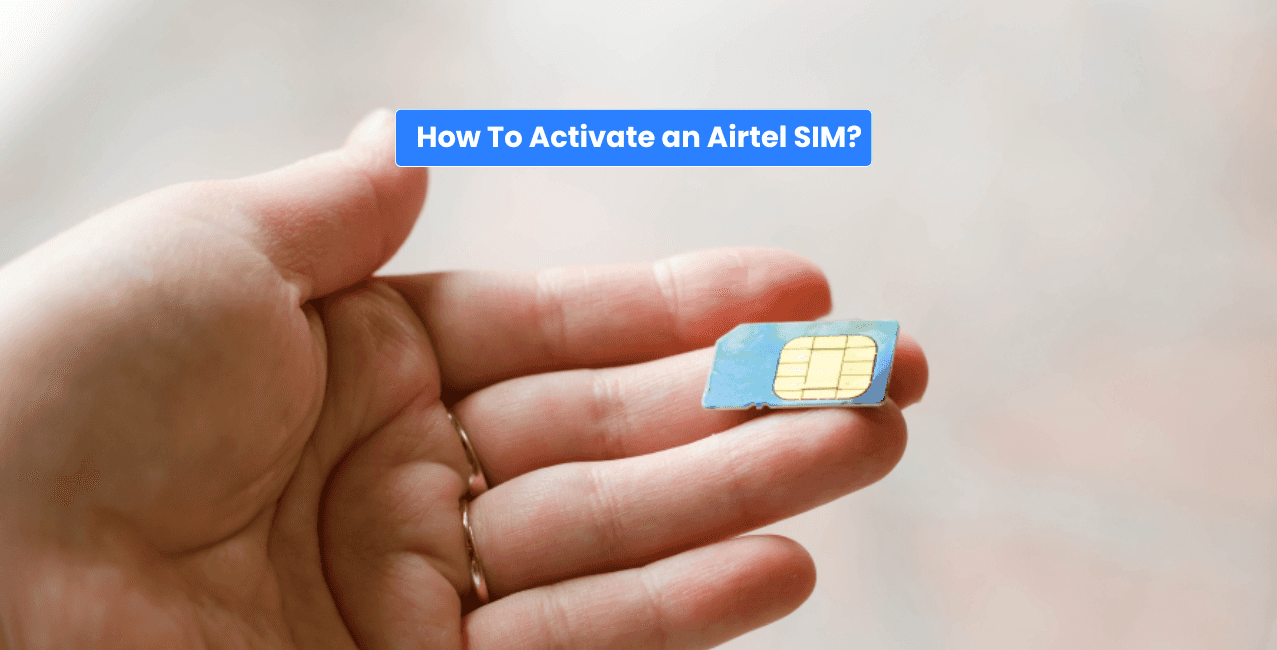
In order to activate an Airtel SIM card, one needs to insert it into the mobile device, perform all the KYC and verification procedures and then get the network active. The procedure to activate a SIM may vary based on whether one has got a new SIM or got a SIM by porting their existing number through Mobile Number Portability (MNP). Whereas activation of a new SIM is possible only when the entire verification process gets done; the activation of a ported SIM depends on the completion of the entire porting process.
It will be quite useful for you to learn how you can activate your Airtel SIM card. Learning how to properly activate your SIM card will definitely allow you to make your Airtel calling, messaging, and internet facilities work. It may also help you to solve certain problems that may come up when you activate your SIM card.
Key Takeaways
To activate your Airtel SIM after porting, there are a few easy steps which you should follow. But remember, your Airtel SIM will not be able to work until the KYC formalities are done. The process goes like this:
If you switch to the Airtel network, then you have to wait for the entire porting process to get completed to activate the SIM card. Generally speaking, the old SIM will remain active until the entire process of porting gets completed.
Now, if your old SIM ceases to work on the network, it is a clear sign that you have successfully ported your number and the following steps need to be done in order:
The network connection can take some time based on the process of porting and verification. Please keep your mobile phone turned on during this time until the Airtel network connection is activated.
Also Read: How to check Airtel Payment Bank balance check
One of the easiest methods of checking whether your SIM card from Airtel is activated involves the use of some simple services. This can be achieved by looking for the name of the network or the strength of its signal through your mobile phone. After finding this information displayed on your phone, you can make a call out.
Apart from this, you can also test sending an SMS and using mobile data to confirm the availability of other services like SMS and internet connection. Someone else should call or SMS you to see whether you can receive incoming calls and SMS messages.
Reasons for the failure of your Airtel SIM to get activated are:
Uncompleted KYC procedure, wrong insertion of the SIM card, poor network signal, or compatibility problem with the phone used. An already damaged SIM card also causes the SIM not to get activated.
Try to restart your phone and insert the SIM again properly. If you can, try inserting the SIM into another compatible phone and see if the problem lies with your phone or SIM.
*T&C Apply
If the problem persists, contact Airtel customer care or visit the nearest Airtel store. You will have to carry the required ID proof along with the SIM-related documents. The Airtel staff will then know whether the problem relates to KYC/verification, network activation, or the SIM card itself.
The activation of an Airtel SIM card becomes relatively simple, provided all the required KYC and verification procedures are done. This is irrespective of whether you buy a new SIM card or you port your number to a new one. The activation procedure will ensure that you can make use of the phone services easily.
Put the new Airtel SIM card in your mobile and then wait until you see the network signal. After completing KYC, dial 59059 from your Airtel SIM to complete tele-verification, if required.
All you need to do is insert your SIM card into your phone and see if there are any indications of the Airtel network and signal bars. Otherwise, making a call, sending an SMS, or using mobile internet will suffice.
It is possible to activate your SIM online using the website/application provided by the telecom service provider. It depends upon the telecom service provider and also the location where you live.
Definitely, you may put the SIM card into your mobile phone and see if there is any network or not. Also, you may make calls/texts.
Airtel may deactivate your mobile connection after 90 days without calls, SMS, data use or Value Added Services if your balance is below ₹20. You get 15 days to retain the number by paying ₹20. If your balance is ₹20 or more, ₹20 is deducted every 30 days.
It is quite possible to activate your SIM card if your connection has not been closed by the service provider. But if your SIM becomes inactive permanently because of complete non-use, then you will have to buy a new SIM card.
Yes, it can take up to 24 hours for a SIM card to get activated, based on the telecommunication company and process used. It mainly occurs when a customer is switching numbers or getting a replacement SIM.
The activation of a SIM card could be done automatically depending on the telecommunications company once the activation process is complete. New SIM activation is completed after the required KYC and activation or verification procedures are successfully completed.
The SIM card may get deactivated after 90 days of inactivity, plus a 15-day grace period, if not recharged. Customers should follow Airtel's applicable validity and usage requirements to keep their connection active.
It is possible for you to reactivate your SIM card based on the period elapsed and the availability of the SIM card number.