By continuing, you agree to LoansJagat's Credit Report Terms of Use, Terms and Conditions, Privacy Policy, and authorize contact via Call, SMS, Email, or WhatsApp
Disclaimer: The information published on LoansJagat is intended for general informational and educational purposes only and should not be considered financial, legal, or investment advice. Interest rates, loan terms, statistics, and other data may change over time and may vary by lender or source. Please verify the latest information and consult a qualified financial advisor or the respective Bank/NBFC before making any financial decisions.
Apply for Loans Fast and Hassle-Free
Subscribe Now
About the author

LoansJagat Team
‘Simplify Finance for Everyone.’ This is the common goal of our team, as we try to explain any topic with relatable examples. From personal to business finance, managing EMIs to becoming debt-free, we do extensive research on each and every parameter, so you don’t have to. Scroll up and have a look at what 15+ years of experience in the BFSI sector looks like.
Related Blog Post
Simplify All Your Loans Into One Affordable EMI

Customers Served

Debt Consolidated

1200+ Reviews

Locations in India
Club all Loans & Credit Card Bills into Single EMI

Quick Apply Loan
Consolidate your debts into one easy EMI.

Takes less than 2 minutes. No paperwork.

10 Lakhs+
Trusted Customers

2000 Cr+
Loans Disbursed

4.7/5
Google Reviews

50+
Banks & NBFCs Offers
Other services mentioned in this article
Key Takeaways
Bonus Tip: Over 50 million provident fund subscribers can now access statements online via the Employees' Provident Fund Organisation e-Passbook. Active subscribers with uploaded electronic challan cum return can download their monthly e-Passbook easily.
Think of your PF statement as a live dashboard of your retirement savings. With just your UAN, you can instantly view, track, and download your PF contributions, interest, and withdrawals online without visiting any EPFO office.
A PF statement is like a digital bank passbook for your provident fund account. Instead of branch visits, it shows deposits, employer contributions, interest, and withdrawals online. Just as a bank statement tracks savings, this statement tracks your retirement money.
Rohit works in an IT company and wants to check his PF balance before applying for a home loan. He logs into the EPFO portal using his UAN, downloads the PF statement PDF, and shares it with the bank as proof of savings and employment history.
A PF (Provident Fund) statement, also called an e-passbook, is an online record from EPFO that shows your PF details. It includes your monthly contributions, your employer’s share, interest earned, and any withdrawals or transfers. Linked to your UAN, it helps you track your PF balance over time and is useful for retirement planning, loans, and tax purposes.
Before you download your PF statement, make sure you have the right details and access ready to avoid login errors or missing information.
These requirements ensure a smooth PF statement download and make it easier to track your contributions, interest earned, and withdrawals accurately.
PF statements (EPF passbooks) can be downloaded online for free using your UAN through official EPFO platforms. Below are the step-by-step methods explained in simple language.
Steps to download the PF statement:
Your PF passbook PDF will be downloaded instantly, showing all contributions, interest, and transactions.
Steps to download the PF statement:
The UMANG app provides quick, secure, and anytime access to your PF statement on mobile.
*T&C Apply
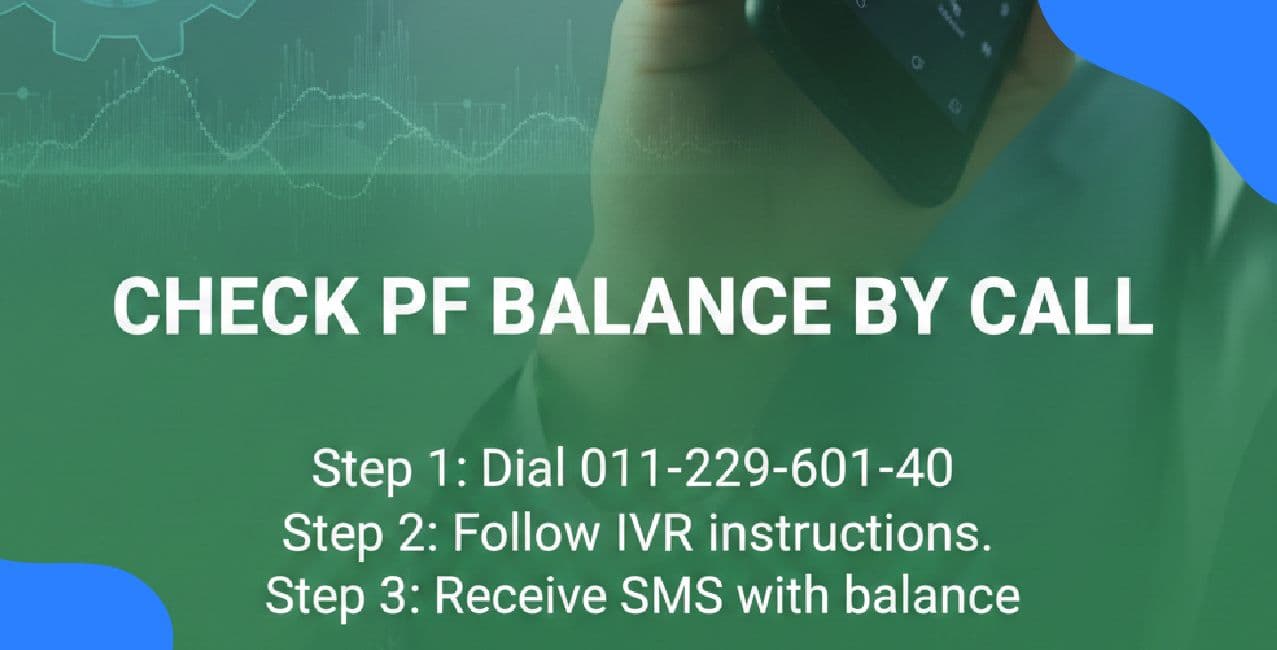
Steps available:
These options show balance and last contribution details but do not provide a downloadable passbook.
While downloading your PF statement is usually simple, users often face a few common issues due to technical, login, or data-related reasons.
These common problems, when known in advance, help you fix issues quickly and ensure smoother access to your PF passbook whenever required.
Conclusion
Your PF statement can be downloaded online once your UAN is active and KYC details are updated. The EPFO portal or UMANG app lets you track contributions, interest, and withdrawals easily. Regular PF passbook checks support better financial planning, smoother loan applications, and fewer last-minute problems.
FAQ:
Q: Can I download my PF statement without an active UAN?
No, an active UAN is mandatory to view or download your PF statement online.
Q: How do I download the EPF passbook instantly online?
Visit the EPFO passbook portal, log in using your active UAN and OTP, select your employer if required, and download the EPF passbook PDF instantly.
Q: How can I get my PF statement for my HCL tenure after leaving in 2016?
Log in to the EPFO passbook portal using your UAN, select the HCL Member ID to view or download the PF passbook, since old employers do not provide statements through separation portals.
Q: Is it mandatory to share a PF passbook with HR for PF deposit when OTP issues prevent downloading it?
No, a PF passbook is not mandatory; employers only need your active UAN to deposit PF, and OTP or portal issues are EPFO-side problems beyond employee control.
Q: What can I do if I can’t download the EPFO passbook from the website and my employer won’t accept the UMANG version?
Ask HR to accept the UMANG passbook or UAN-linked confirmation, raise an EPFO grievance online for portal issues, and share the grievance acknowledgement as proof while the website problem persists.




.png&w=3840&q=75)
.png&w=3840&q=75)