By continuing, you agree to LoansJagat's Credit Report Terms of Use, Terms and Conditions, Privacy Policy, and authorize contact via Call, SMS, Email, or WhatsApp
Disclaimer: The information published on LoansJagat is intended for general informational and educational purposes only and should not be considered financial, legal, or investment advice. Interest rates, loan terms, statistics, and other data may change over time and may vary by lender or source. Please verify the latest information and consult a qualified financial advisor or the respective Bank/NBFC before making any financial decisions.
Subscribe Now
About the author

LoansJagat Team
Contributor‘Simplify Finance for Everyone.’ This is the common goal of our team, as we try to explain any topic with relatable examples. From personal to business finance, managing EMIs to becoming debt-free, we do extensive research on each and every parameter, so you don’t have to. Scroll up and have a look at what 15+ years of experience in the BFSI sector looks like.
Related Blog Post
Simplify All Your Loans Into One Affordable EMI
Customers Served
Debt Consolidated
1200+ Reviews
Locations in India
Club all Loans & Credit Card Bills into Single EMI
Quick Apply Loan
Consolidate your debts into one easy EMI.
Takes less than 2 minutes. No paperwork.
10 Lakhs+
Trusted Customers
2000 Cr+
Loans Disbursed
4.7/5
Google Reviews
20+
Banks & NBFCs Offers
Other services mentioned in this article
You can generate or reset your UCO Bank ATM PIN online using the bank's official digital banking services if your debit card and mobile number are linked to your account. UCO Bank also allows customers to create a new ATM PIN through an ATM, Internet Banking, or Mobile Banking, depending on the services available for their account. After generating the PIN, you can use it immediately or after the activation period specified by the bank. Keeping your ATM PIN secure and changing it regularly helps protect your account from unauthorized transactions and ensures safe use of your UCO Bank debit card.
Key Takeaways:
The main alternatives are online or offline. They are simple, secure, and intended to provide a seamless banking experience. UCO Bank is there for you, whether you prefer the convenience of online channels or the trust that comes with visiting a bank founded by a human. So, let me review both options, and you may decide which one is ideal for you.
If you're familiar with digital platforms, UCO Bank offers online choices for creating your ATM PIN. They either use internet banking or the mobile banking app. This will be excellent for Geeta, whether she needs to generate her PIN at home or when travelling. They are quick, simple, and available 24 hours a day, seven days a week, removing the need to visit a branch or ATM. Through this method, anyone can do their UCO Bank ATM PIN generate by mobile without an ATM.
Offline strategies are appropriate for individuals who prefer a hands-on approach, such as Geeta. You can change your PIN at any UCO Bank ATM or local branch. These methods are perfect if you prefer in-person support or are uncomfortable with online banking. They are also secure, allowing Geeta to carry out the transaction confidently.
Regardless of which method Geeta chooses, UCO Bank guarantees a smooth and secure transaction. Let's take a closer look at these options so Geeta can easily set her PIN!
Here are the step-by-step instructions:
Note: Ensure your mobile number is registered with the bank to receive the OTP.
2. Steps to Generate UCO Bank ATM PIN Using Mobile Banking App
Alternatively, Geeta can use the UCO Bank app to set her ATM PIN:
Note: Ensure your mobile number is registered with the bank to receive the OTP.
3. Steps For UCO Bank ATM Pin Generate Toll Free Number
Geeta can also generate her UCO Bank ATM PIN Generate Toll Free Number by contacting UCO Bank’s Customer Care:
4. UCO Bank ATM PIN Generation by SMS
UCO Bank offers a service like UCO Bank ATM PIN generation by SMS for added convenience:
Other than these methods, UCO Bank ATM PIN generation by IVR is another way of generating your UCO Bank ATM PIN easily.
Offline Methods
Geeta can visit the nearest UCO Bank branch to generate her ATM PIN.
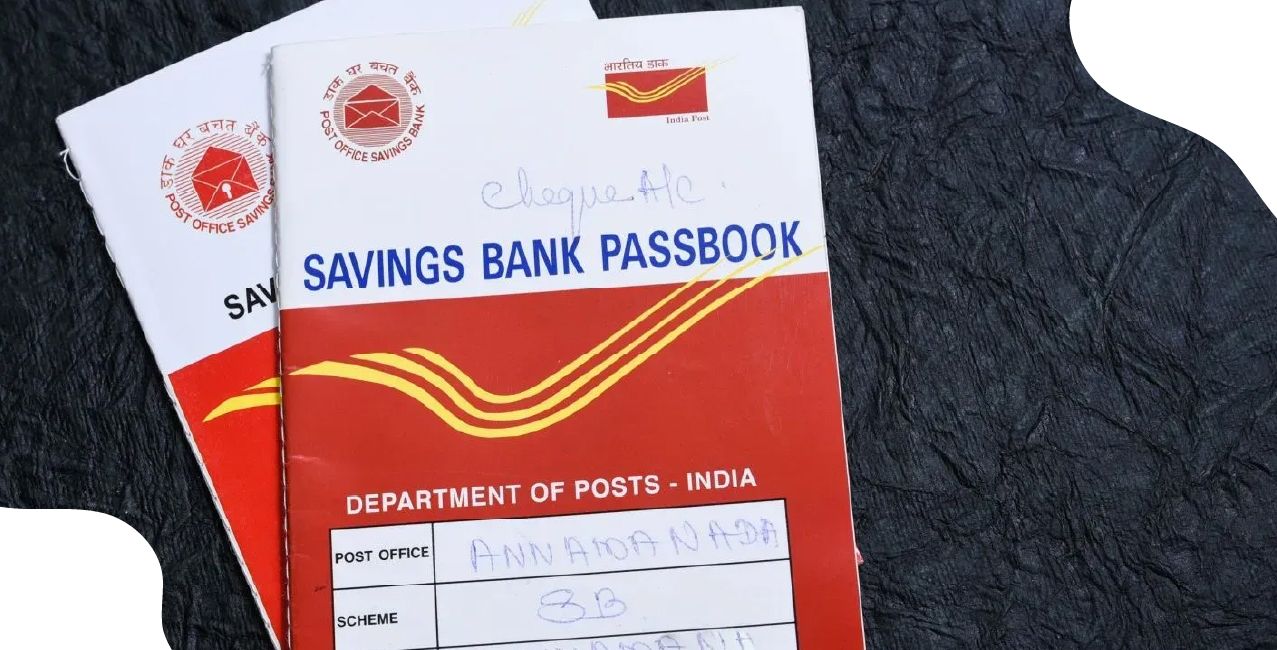
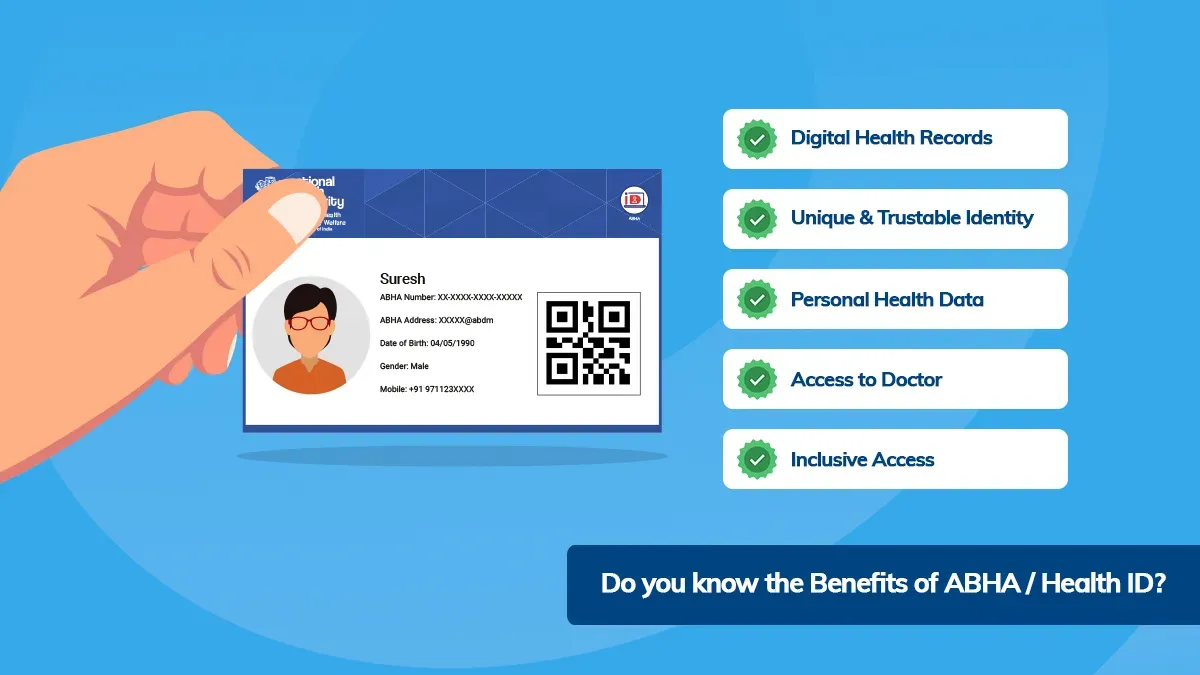
Let us look at what are the document required before visiting the Branch:
3
*T&C Apply
Geeta can also set her ATM PIN directly at a UCO Bank ATM:
3. Step to Generate UCO bank ATM Green Pin
A Green PIN is a renewable and secure way to generate your ATM PIN, eliminating the need for a physical PIN card. Instead of waiting for a paper PIN to arrive in the mail, you can generate your PIN instantly via SMS, ATM, or other digital methods. This technique is not only faster, but it also produces less paper waste, making it a more environmentally responsible option. If you want a quick and sustainable way to set your ATM PIN, the Green PIN option is great. Here's how to create it:
Managing your ATM PIN securely is crucial to protecting your bank account from unauthorized access. Here are some essential security tips recommended by UCO Bank to help you safeguard your PIN:
By following these guidelines, you can keep your ATM PIN and bank account secure. For further assistance, contact UCO Bank’s customer care at 1800 103 0123 (Toll-Free).
Bottom Line
Generating or resetting your UCO Bank ATM PIN is a simple process that helps you regain secure access to your debit card whenever needed. Whether you choose online banking, mobile banking, or an ATM, following the correct steps ensures your card remains safe and ready for transactions. Always create a unique PIN, keep it confidential, and update it whenever necessary to reduce the risk of unauthorized access to your bank account.
Via App: Go to Cards > Reset ATM PIN and authenticate using OTP. After that, go to a UCO ATM, insert your card, and select Forgot PIN to generate a new one using OTP.
2. How long does it take to generate an ATM PIN by SMS?
The PIN is sent instantly upon SMS verification. If you do not receive it, make sure your mobile number is linked to your account and try again.
3. Is there a charge to generate a UCO ATM PIN?
No, UCO Bank does not charge for ATM PIN generation or reset through any channel (online, SMS, or branch).
4. Can I use my UCO ATM PIN internationally?
Yes, all ATMs connected to Visa and Mastercard accept your 4-digit PIN. To prevent transaction blocks, let the bank know before you leave.
5. How can I change my existing UCO ATM PIN?
Via ATM: Insert your card, select Change PIN, enter your previous PIN, then create a new one. Via Pay: Go to Cards > Change ATM PIN.
6. What is the validity of the Instant (Green) PIN?
The immediate PIN sent by SMS is valid for 72 hours. After that, you must generate a new PIN.
7. Can I generate an ATM PIN without visiting a branch?
Yes! You can use the app, Internet Banking, SMS (send PIN <last 4 digits> to 567676), or UCO ATMs.
8. What if my recently generated PIN is not working?
Make sure you're using the most recent PIN and haven't mixed up the digits. If the problem continues to exist, contact customer service at 1800 103 0123.
9. What can I do if my ATM card is lost or stolen?
Immediately block the card via Pay (Cards > Block Card) or via customer service. A new card and PIN number will be supplied.
10. Is it possible for NRIs to create a UCO ATM PIN globally?
Yes! Use Internet Banking, the app, or contact UCO's NRI helpline (+91-33-2234-1551). Ensure that your international mobile number is registered.
Other Bank ATM Pin Generations | ||
USS Bank ATM Pin Generation | ||