By continuing, you agree to LoansJagat's Credit Report Terms of Use, Terms and Conditions, Privacy Policy, and authorize contact via Call, SMS, Email, or WhatsApp
Disclaimer: The information published on LoansJagat is intended for general informational and educational purposes only and should not be considered financial, legal, or investment advice. Interest rates, loan terms, statistics, and other data may change over time and may vary by lender or source. Please verify the latest information and consult a qualified financial advisor or the respective Bank/NBFC before making any financial decisions.
Apply for Loans Fast and Hassle-Free
Subscribe Now
About the author

LoansJagat Team
‘Simplify Finance for Everyone.’ This is the common goal of our team, as we try to explain any topic with relatable examples. From personal to business finance, managing EMIs to becoming debt-free, we do extensive research on each and every parameter, so you don’t have to. Scroll up and have a look at what 15+ years of experience in the BFSI sector looks like.
Related Blog Post
Simplify All Your Loans Into One Affordable EMI

Customers Served

Debt Consolidated

1200+ Reviews

Locations in India
Club all Loans & Credit Card Bills into Single EMI

Quick Apply Loan
Consolidate your debts into one easy EMI.

Takes less than 2 minutes. No paperwork.

10 Lakhs+
Trusted Customers

2000 Cr+
Loans Disbursed

4.7/5
Google Reviews

50+
Banks & NBFCs Offers
Other services mentioned in this article
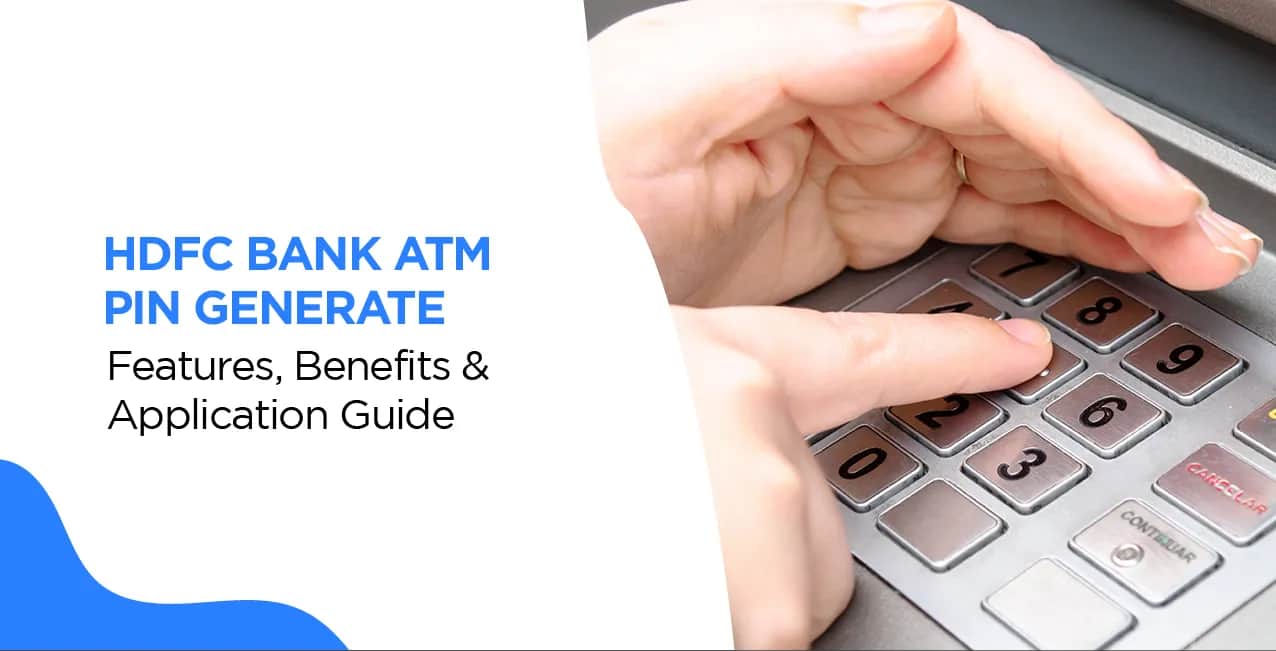
You can generate or reset your HDFC Bank Debit Card PIN through multiple methods, including HDFC ATM, NetBanking, Mobile Banking, PhoneBanking, or by visiting a branch. The process is simple and helps keep your card secure for ATM withdrawals and POS transactions. If you have received a new debit card, forgotten your existing PIN, or want to change it for security reasons, you can create a new PIN in just a few minutes after verifying your identity. Choosing a unique PIN and keeping it confidential helps protect your account from unauthorized access and reduces the risk of fraudulent transactions.
Key Takeaways:
Arya, you're all set to choose your ATM PIN. You have two main options: online and offline. Both are easy, safe, and aim to make your banking simple. You can pick the one you like best, whether you prefer using digital tools or going to the bank in person. HDFC Bank offers both choices.
1. Online Methods
If you like using digital tools, HDFC Bank lets you create your ATM PIN online. You can use Internet Banking or the HDFC Bank Mobile App. These options work well for Arya if she wants to set her PIN at home or while she's out. They're fast and simple; you can use them anytime. This means you don't need to go to a branch or ATM.
2. Offline Methods:
For those like Arya who prefer a more hands-on approach, offline methods are a great option. You can visit an HDFC Bank ATM or your nearest branch to set your PIN. These methods are ideal if you want face-to-face assistance or are not familiar with online banking. They’re equally secure and ensure that Arya can complete the process with confidence.
No matter which method Arya chooses, HDFC Bank ensures a seamless and secure experience. Let’s explore these options in detail so Arya can set her PIN without any confusion!
For your convenience, refer to the following steps presented in a simple tabular format to assist you through the HDFC debit card PIN generation through ATM procedure:
2. Steps to Generate HDFC Bank ATM PIN via Mobile Banking App
3. Steps To Generate HDFC Bank ATM PIN Generate Customer Care Number
Availability: 24x7
4. Steps To HDFC Debit Card PIN Generation By SMS
Availability: During Bank Working Hours
2. Steps to Generate HDFC Bank ATM PIN via HDFC Bank ATM
*T&C Apply
Availability: Anytime (24x7) at HDFC Bank ATMs
Also Read - HDFC Bank Debit Card – Features, Benefits & Application Guide
What is Green PIN? A Green PIN is an eco-friendly way to generate your ATM PIN digitally without a physical paper PIN.
Bottom Line
Generating or resetting your HDFC Bank Debit Card PIN is a quick process that ensures uninterrupted access to your banking services while strengthening account security. Whether you are activating a new card or replacing a forgotten PIN, using the bank's official channels keeps the process safe and reliable. Regularly updating your PIN, avoiding predictable combinations, and never sharing it with others are simple habits that help protect your money from unauthorized use.
1. Can I generate my HDFC ATM PIN online?
Yes, you can generate and reset your PIN using Mobile Banking or Net Banking.
2. What happens if I do not receive the OTP?
Ensure that your mobile number is registered with HDFC Bank and has network coverage.
3. Can I generate my ATM PIN without going to the bank?
Yes, you can obtain your PIN via ATM, SMS, Customer Service, or Mobile Banking.
4. What happens if I forget my ATM PIN?
You can reset it via Mobile Banking, SMS, Customer Care, or an HDFC ATM.
5. Is there an expiry date for generating my ATM PIN once I receive my debit card?
Though there is no set deadline, you should set your PIN when you receive your new HDFC Bank Debit Card.
6. How many attempts can I make to enter an incorrect PIN before my ATM card is blocked?
HDFC Bank allows a maximum of three consecutive failed PIN tries.
7. Is it possible to create my HDFC ATM PIN using WhatsApp Banking?
HDFC Bank currently does not provide an option for generating an ATM PIN via WhatsApp Banking.
8. Is it possible to have various PINs for multiple HDFC debit cards associated with the same account?
Yes, if you have multiple HDFC Debit Cards linked to the same account, you can issue various PINs to each card. Each card is independent and can be controlled separately.
9. What happens if my ATM PIN is stolen?
If you believe your ATM PIN has been compromised, please update it as quickly as possible using NetBanking, Mobile Banking, or an HDFC ATM.
10. Can I generate an HDFC ATM PIN if my mobile number is not connected with my bank account?
No, you cannot create an ATM PIN online or via SMS if your registered phone number is not linked to your HDFC Bank account.
Other Bank ATM Pin Generations | ||
USS Bank ATM Pin Generation | ||